Start with what matters to them
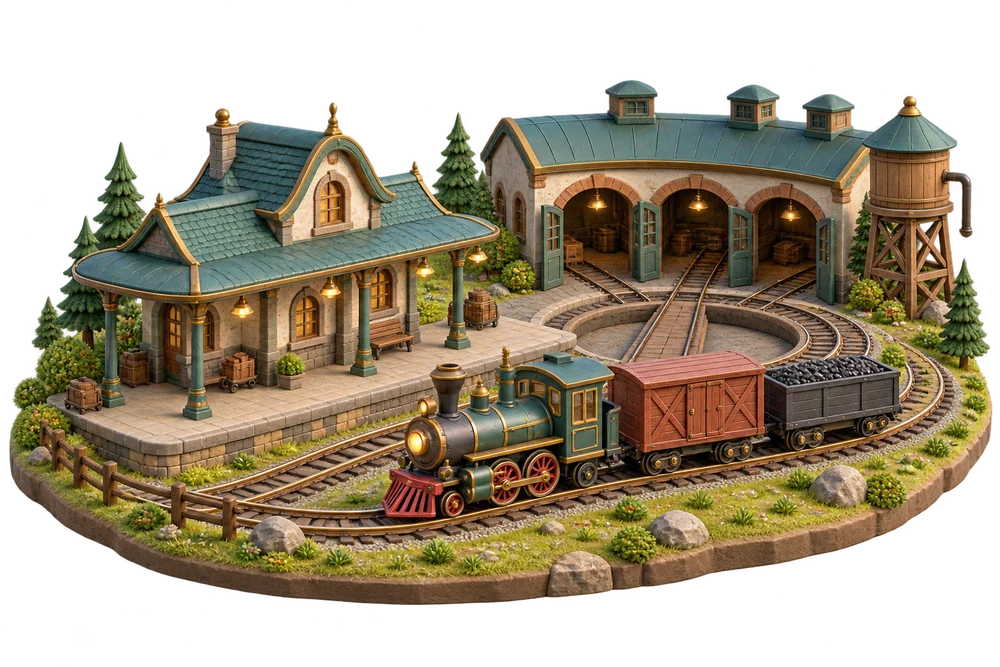
A favorite dinosaur, train or animal gives you a familiar place to begin exploring together
Welcome to Fave Bridge. Choose your way in
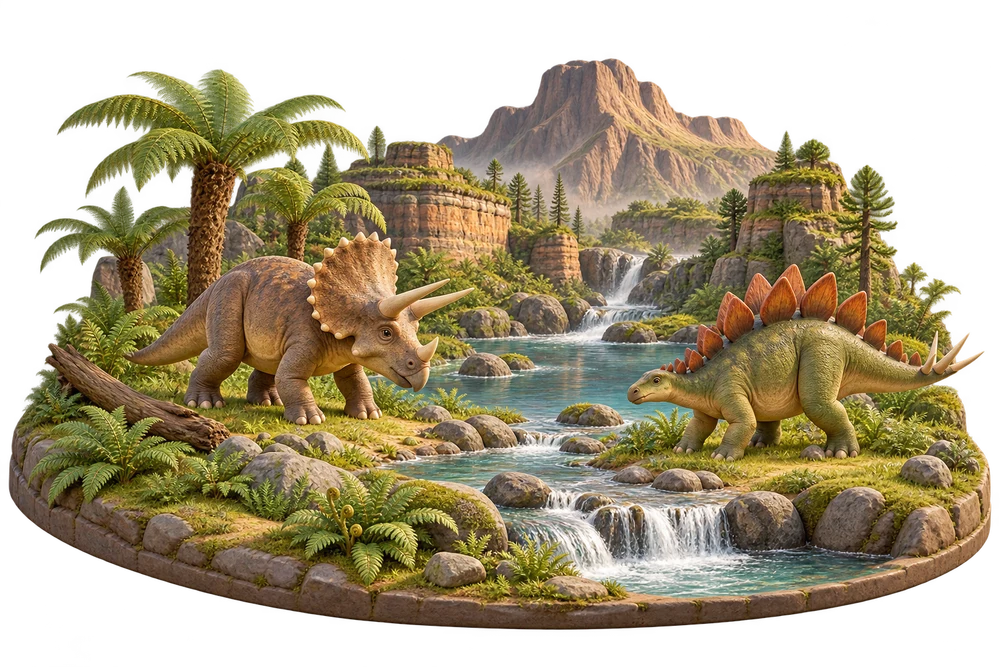 A little world of dinosaurs
Just exploring. Your child’s saved theme stays the same
Fave Bridge offers learning games in English for children, including children with ASD or ADHD
A favorite dinosaur, train or animal gives you a familiar place to begin exploring together
Choose one of eight themes for supported Numbers, Read and Think games, with up to five levels and adjustable supports
Choose a daily plan and follow saved practice. Plus adds more parent controls and detailed progress
Use the picture and model word to spell with the on-screen keyboard
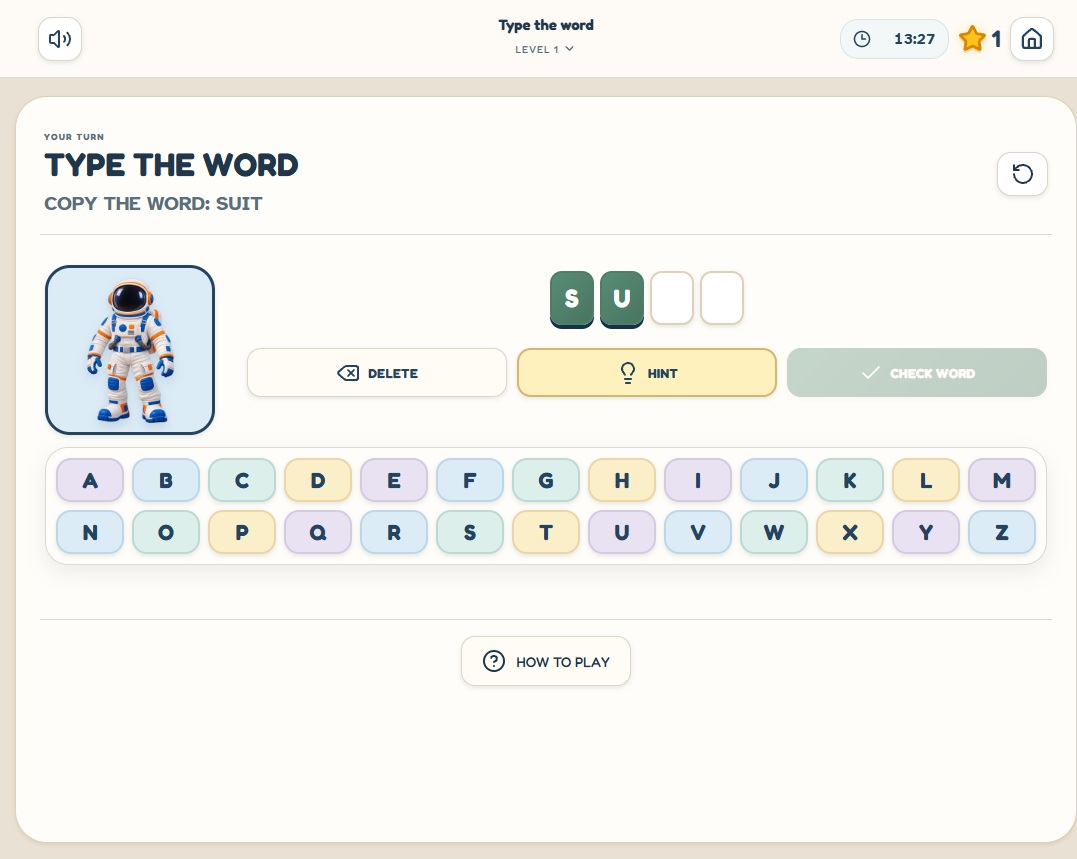
Start with a game, then explore the learning areas and your parent tools
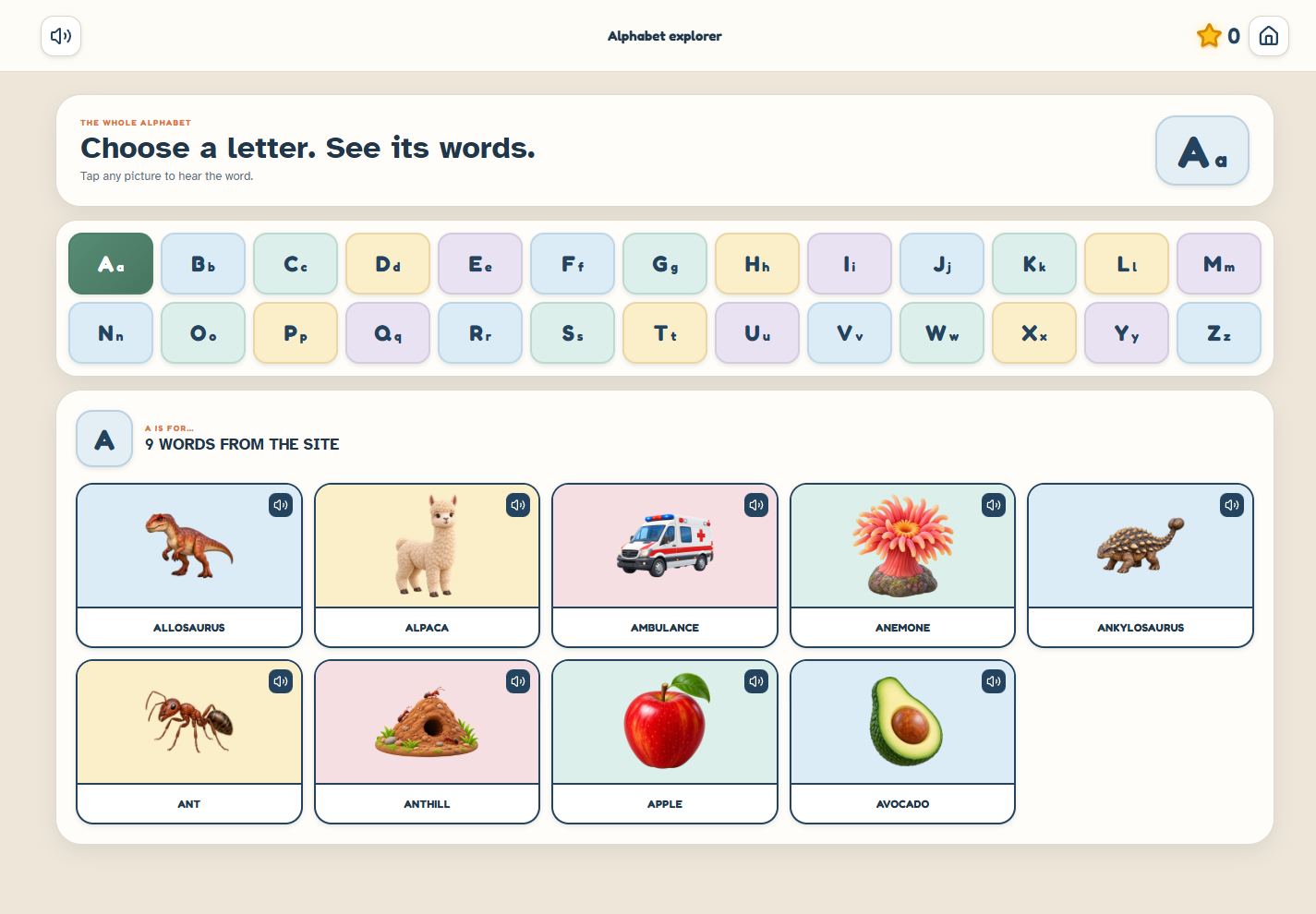
Numbers, words and everyday skills. Up to five levels to find their starting point
 Explore the activities together
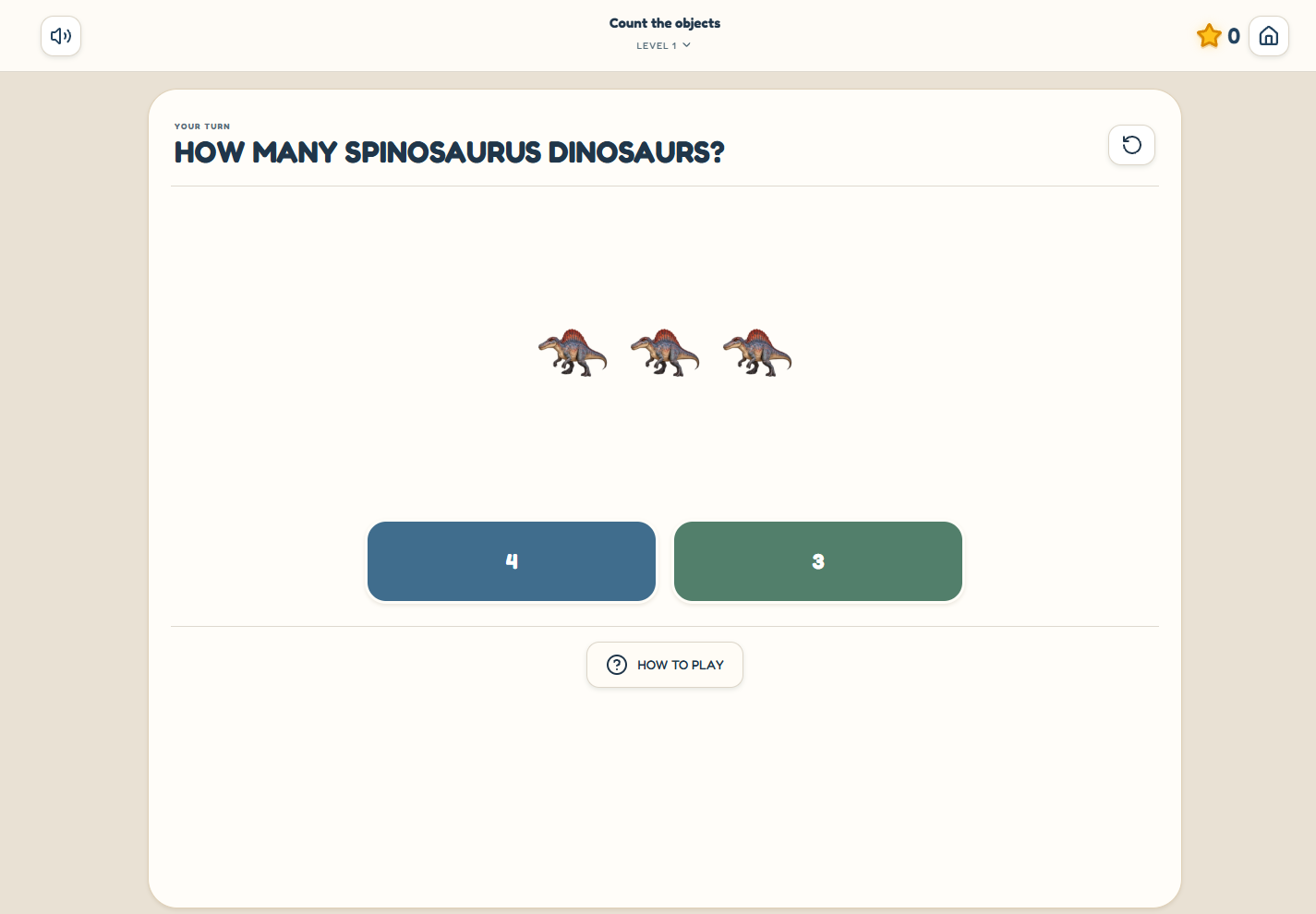
Count familiar favorites, match numbers, compare groups, and build toward addition, subtraction, and multiplication
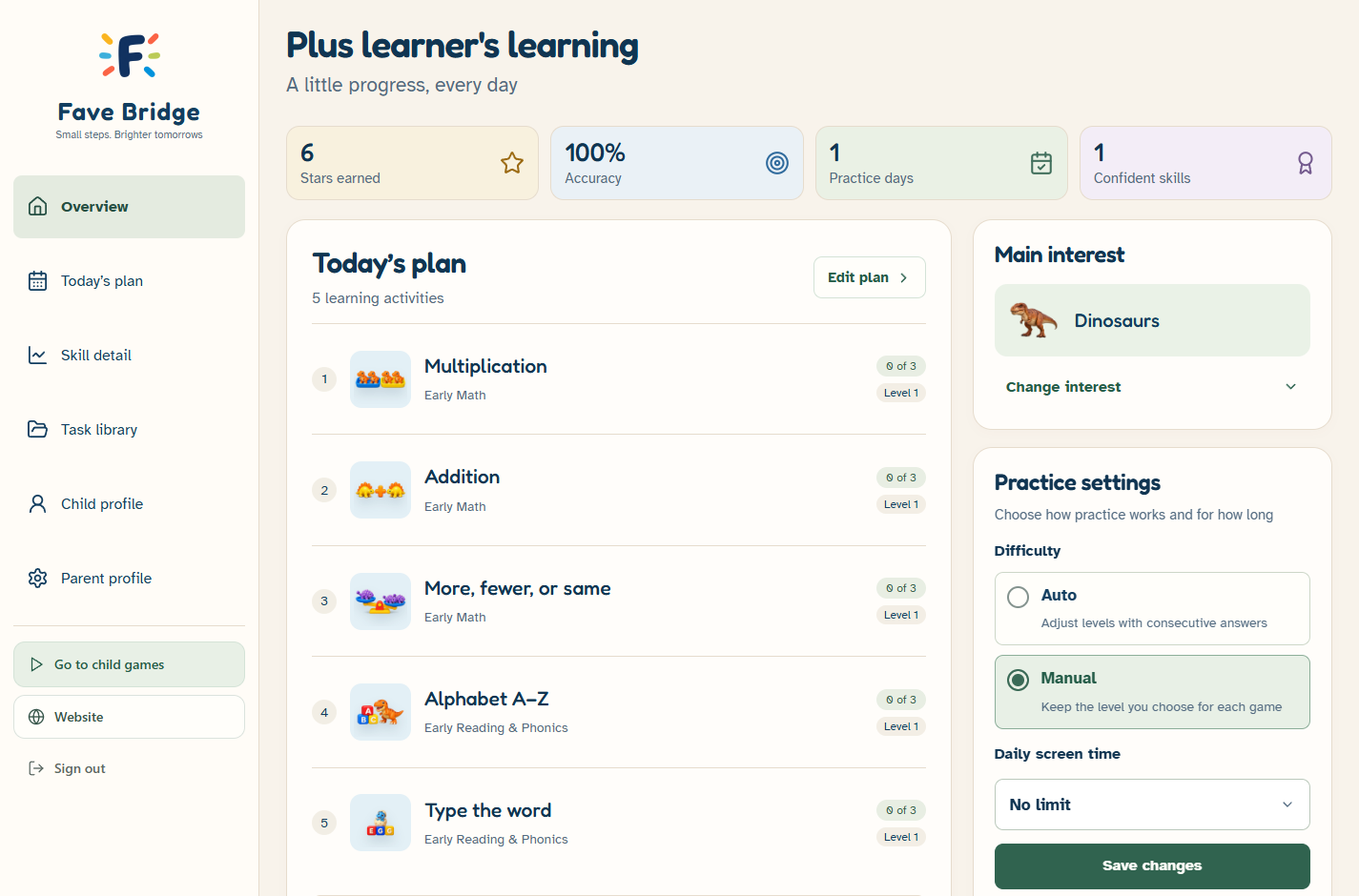
Plan, personalize and follow practice — see the real parent dashboard
Your plan, recent practice and session controls in one parent space
Ready to save practice? Here’s how your family gets started
Set up a free parent account and complete the emailed permission steps to save your child’s practice
Pick a theme, a starting level and the supports that fit. Choose a small daily plan together
Your child explores the activities. You follow saved practice in the parent dashboard and adjust the plan
Guest play stays separate. Saved child play begins with your permission. Optional family game-usage sharing starts off, and account data controls remain available on Free
English speech. Browser-based play. Support when you need a hand
Every learning game is included in Free. New accounts get 10 free days of Plus after activation. No card required
Discover what sparks their interest
All games. No payment required
Create a free accountA monthly plan for your family
$9.99 per month
Choose MonthlyPaid plans renew automatically until canceled. Cancel future renewals anytime in your account
Both paid plans include the same Plus features. Paid subscriptions are available internationally, where supported by Stripe and permitted by law. Base prices are in USD; available local currency options, conversion terms and applicable tax are shown before payment
Subscriptions renew automatically until canceled. Cancel future renewals anytime in your account; Plus stays available through the end of your paid period. Refunds are limited to billing errors or where required by law
Choose a plan to continue in your parent account. Review your subscription before confirming payment in Stripe
Annual saves $39.89 compared with 12 monthly payments ($119.88)
Explore the activities and interest themes without an account or payment. Guest progress is temporary and stays separate from your family’s saved practice
Create a free parent account and complete the emailed family setup. Saved child play begins after your permission. Plus isn’t required to save practice
Your 10 free days of Plus start when you activate your new account. Afterward, your account switches to Free automatically unless you separately purchase a subscription. No automatic charge, and your child’s progress and earned rewards stay saved. You can choose a paid subscription whenever you’re ready
Free includes level choices, a daily plan, sound and visual supports. You can pause or choose another activity. Plus adds automatic levels, activity controls and daily time limits
No. Fave Bridge works in your browser with an internet connection. You can also add it to your home screen for quick access on iPhone or Android
Games, sign-in and saved learning open on platform.favebridge.com. Each family account has one child profile, with separate parent and child sign-in
A personal introduction to the platform, with help choosing activities and setting up your family space
Take a closer lookDiscuss an individual activity with our team. We agree the idea, price and timing before development
Take a closer lookPractical guides to familiar themes, daily planning and exploring the platform together
Take a closer look