
Let the plan rotate
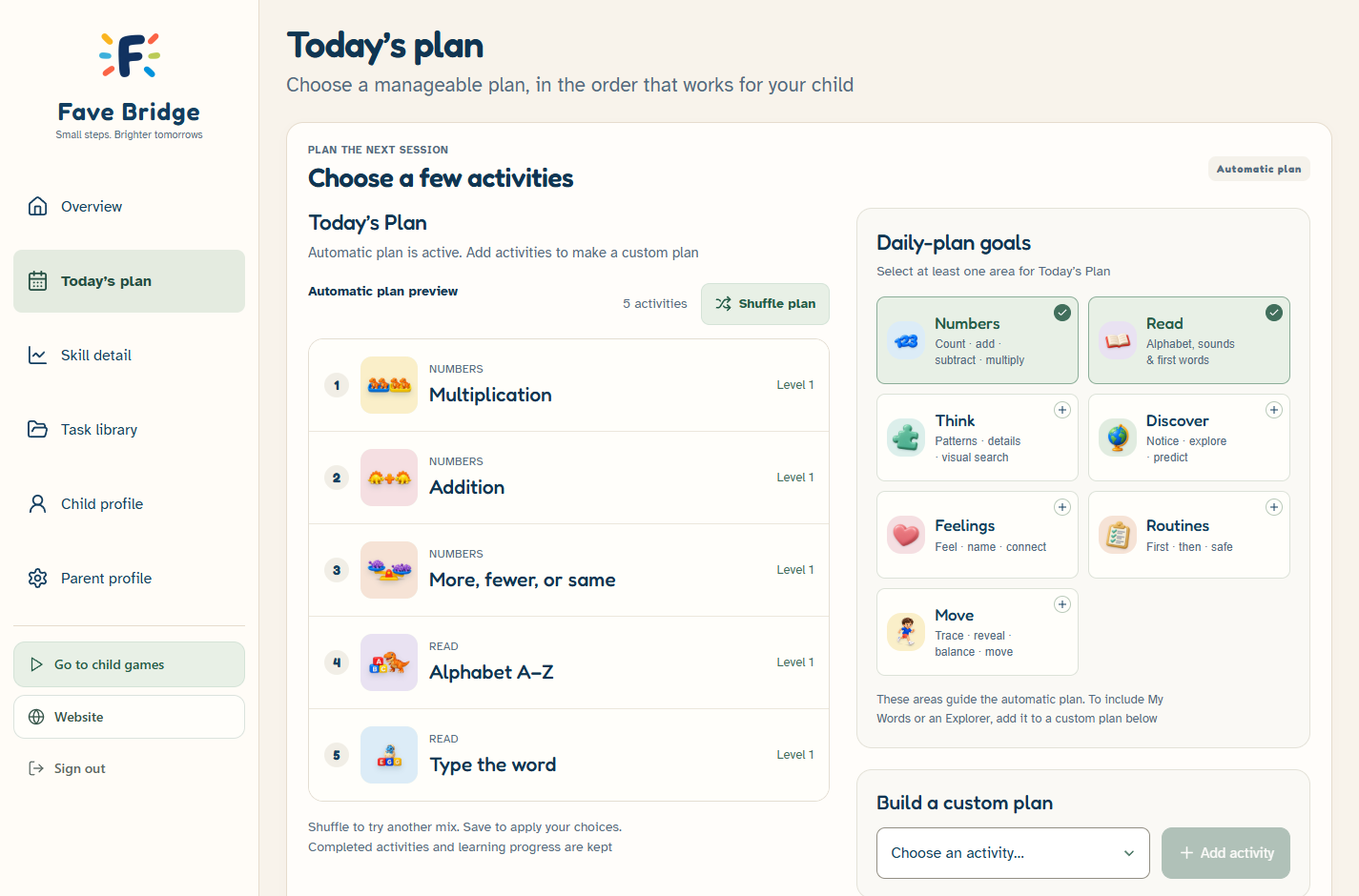
Select learning areas. The plan fills up to five different available activities from those areas and mixes their order. Use Shuffle plan for another mix
- A convenient starting point each day
- Variety from your chosen learning areas
A few familiar activities. One clear place to begin. Choose a rotating plan or build your own — both included in Free
Find your way to plan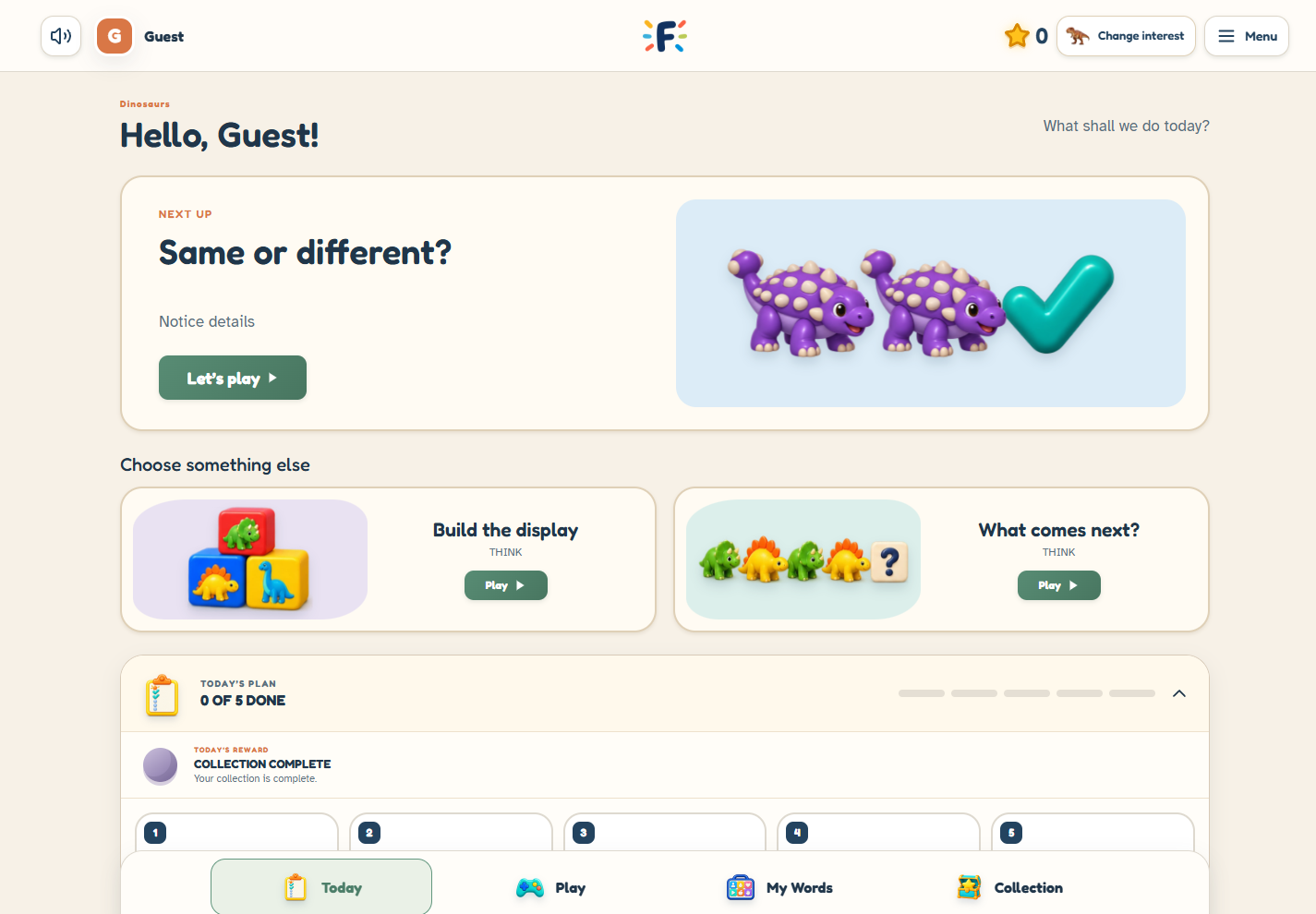
Bring a few activities into one familiar place. Start with something they enjoy, choose what comes next, and leave room for a break
Open parent sign-in

A starting point, not a requirement to finish
Choose a rotating selection or decide on the activities yourself
Select learning areas. The plan fills up to five different available activities from those areas and mixes their order. Use Shuffle plan for another mix
Pick up to five activities and arrange them in the order you want. Change the mix when your family needs something different
Make your choices in the parent dashboard. Your child finds the activities together in Today’s Plan, with the wider game library still available to explore
Games need one correct answer by default. Plus lets you choose 1, 3 or 5 for the whole plan; mistakes do not reset the count. Explorers count finished visits and My Words counts different phrases played with SAY IT. After an activity opened from the plan is complete, your child can choose Next activity or Keep playing. After the last one, the button says Back to my plan
Completing a plan can unlock the next collection reward. Main-interest collections and the themes used by individual activities are separate settings
Custom daily planning is included in Free. Plus adds selected parent tools; you do not need Plus simply to choose a plan
How Today’s Plan works, what to include and how to keep a family learning plan manageable
Take a closer lookA home screen setup guide and practical help for exploring Fave Bridge together
Take a closer lookAll games are Free. Add Plus parent tools for $9.99/month or Annual for $79.99/year. Compare what is included
Take a closer look