A plan is a place to begin
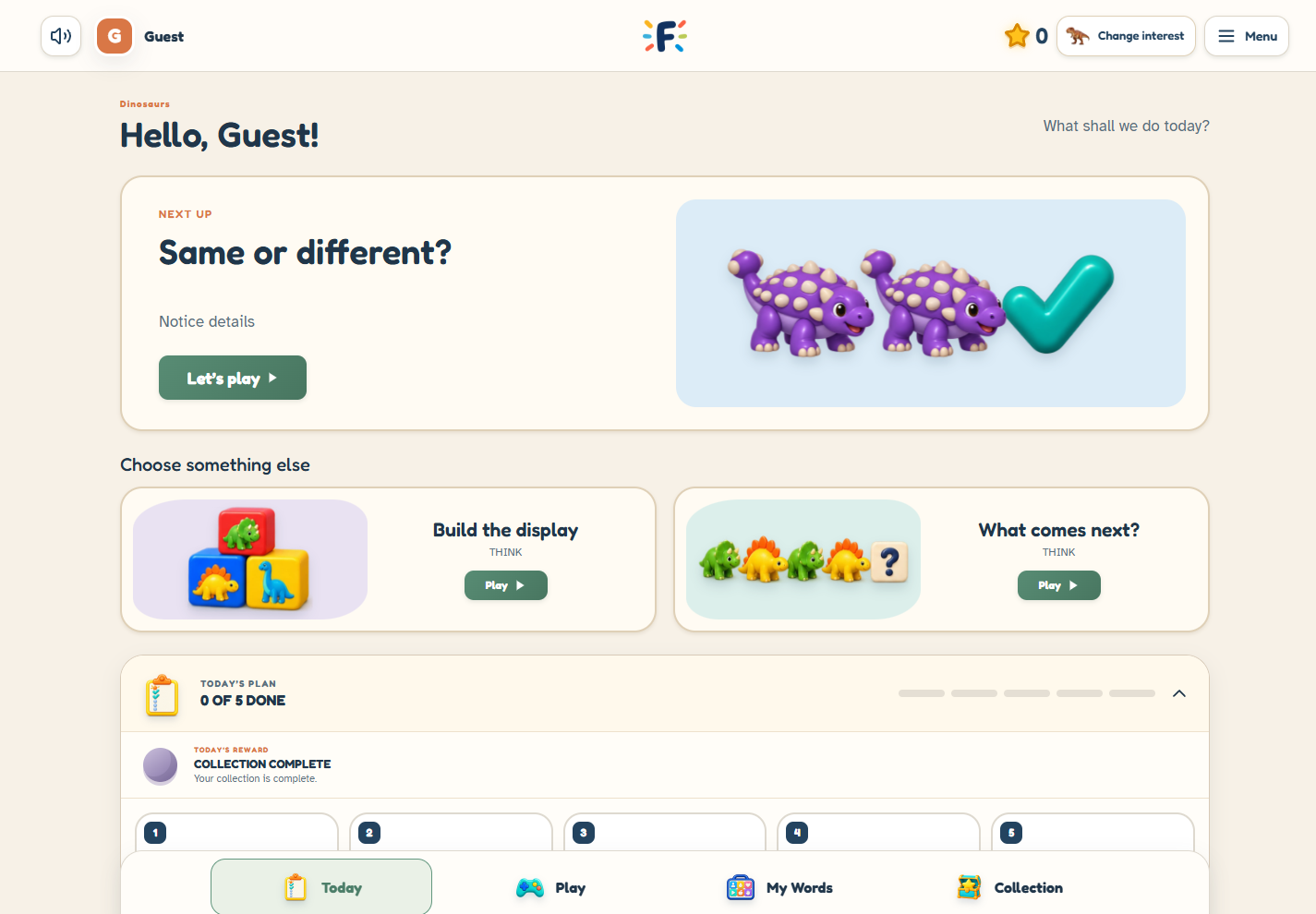
A large choice of games can be useful, but it does not mean you need to choose all of them at once. Today’s Plan brings a few activities into one place so you can decide on a starting point together
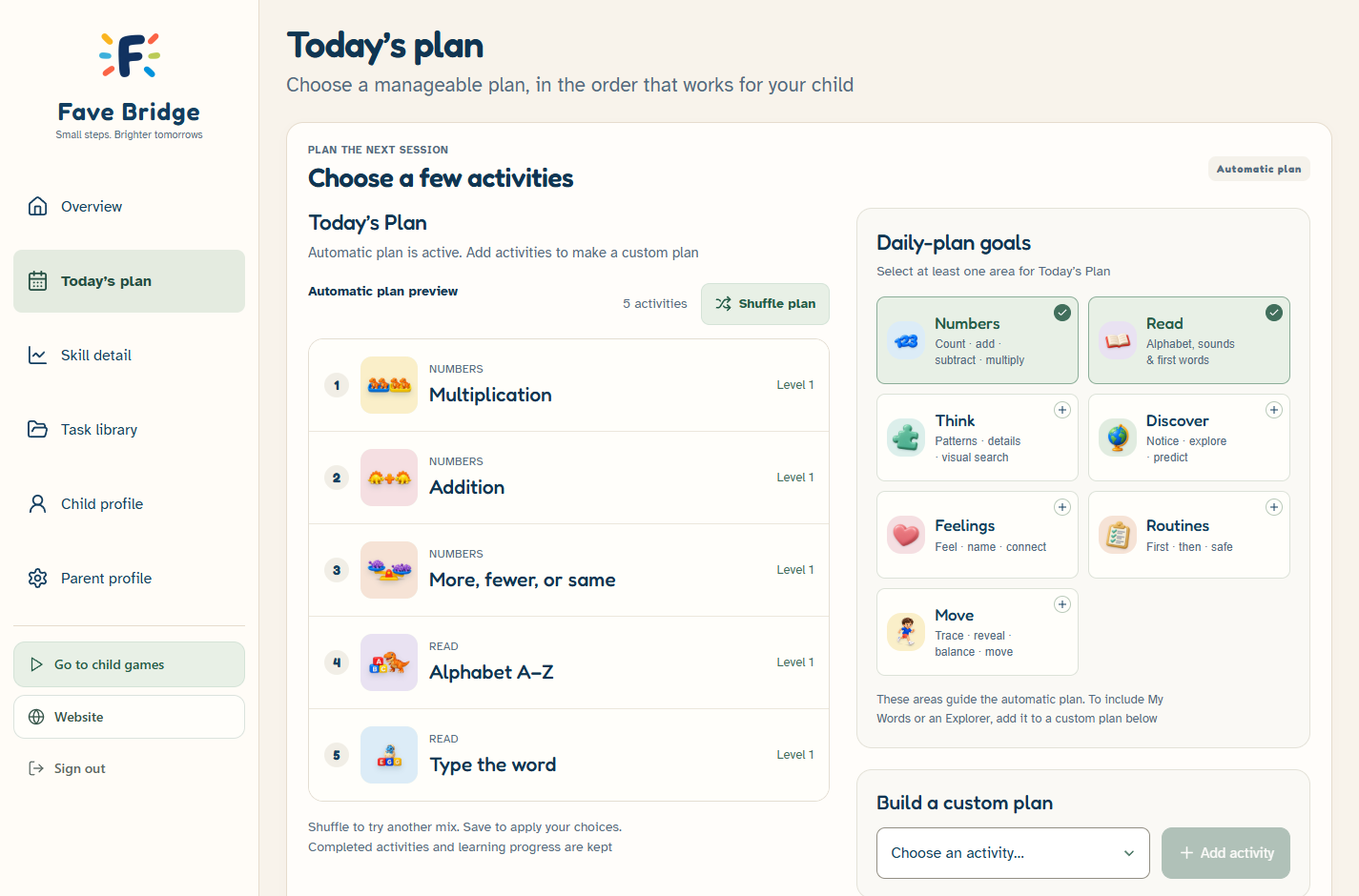
In Fave Bridge, a custom daily plan can contain up to five activities. Custom planning is included in Free. You can also use the rotating plan, which selects from available activities
Choose one familiar activity first
Start with something your child has already explored, such as counting or a picture-matching task. Then decide whether you want another activity from the same area or a different kind of practice
An example might be counting, a letter activity and a feelings activity. This is an example, not a recommended program for every child. Select a smaller plan if that fits the moment
Know what the plan includes
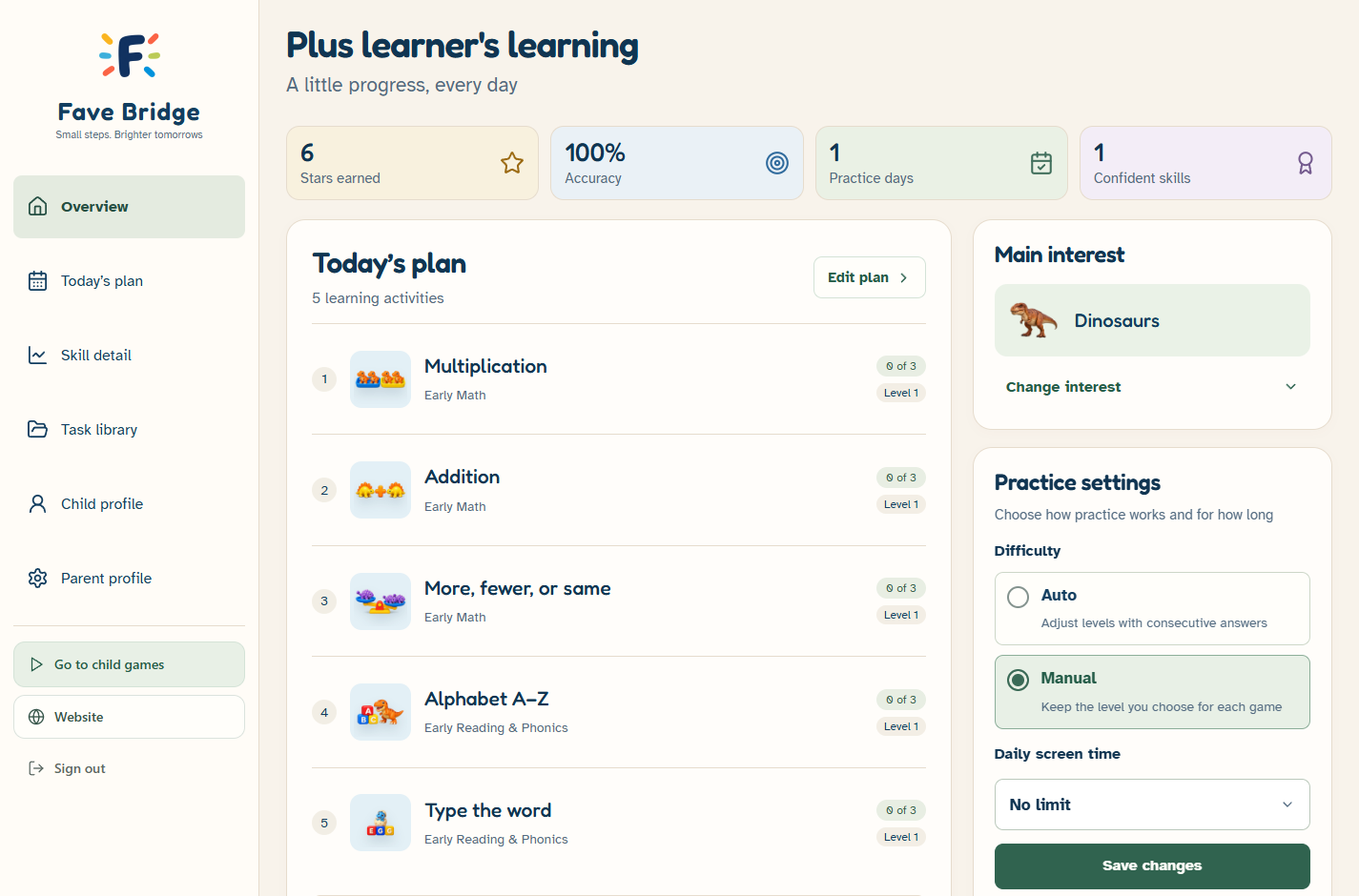
The parent dashboard lets you choose the custom plan and its order. My Words is separate from the seven playable areas. My Words and the three Explorer activities are never added automatically, but a parent can choose them for a custom plan. Mix Elements can be included alongside the other games
An activity that is unavailable under the current settings should not be treated as a required next step. Review the available games and settings in your own account
Notice without turning it into a test
After practice, look at what happened in the platform and what you noticed together. A child might enjoy the theme, want another example or prefer a different activity. These observations can guide your next choice
Recorded activity is not a diagnosis or a standardized measure of development. Detailed skill and interest views are Plus tools; they describe practice in Fave Bridge
Leave room to change the plan
You can stop, change the plan or explore another activity. Completing a platform plan can unlock a collection reward, but you do not need to finish every activity in one visit
Before saving a plan
- Choose automatic rotation or your own activity list
- Check the order and available activities
- Add My Words or an Explorer yourself if it fits your child; automatic plans contain games only
- Leave room to stop or explore something else
Sources & further reading
Published by Fave Bridge about its own product. External sources do not imply endorsement. Our editorial approach