
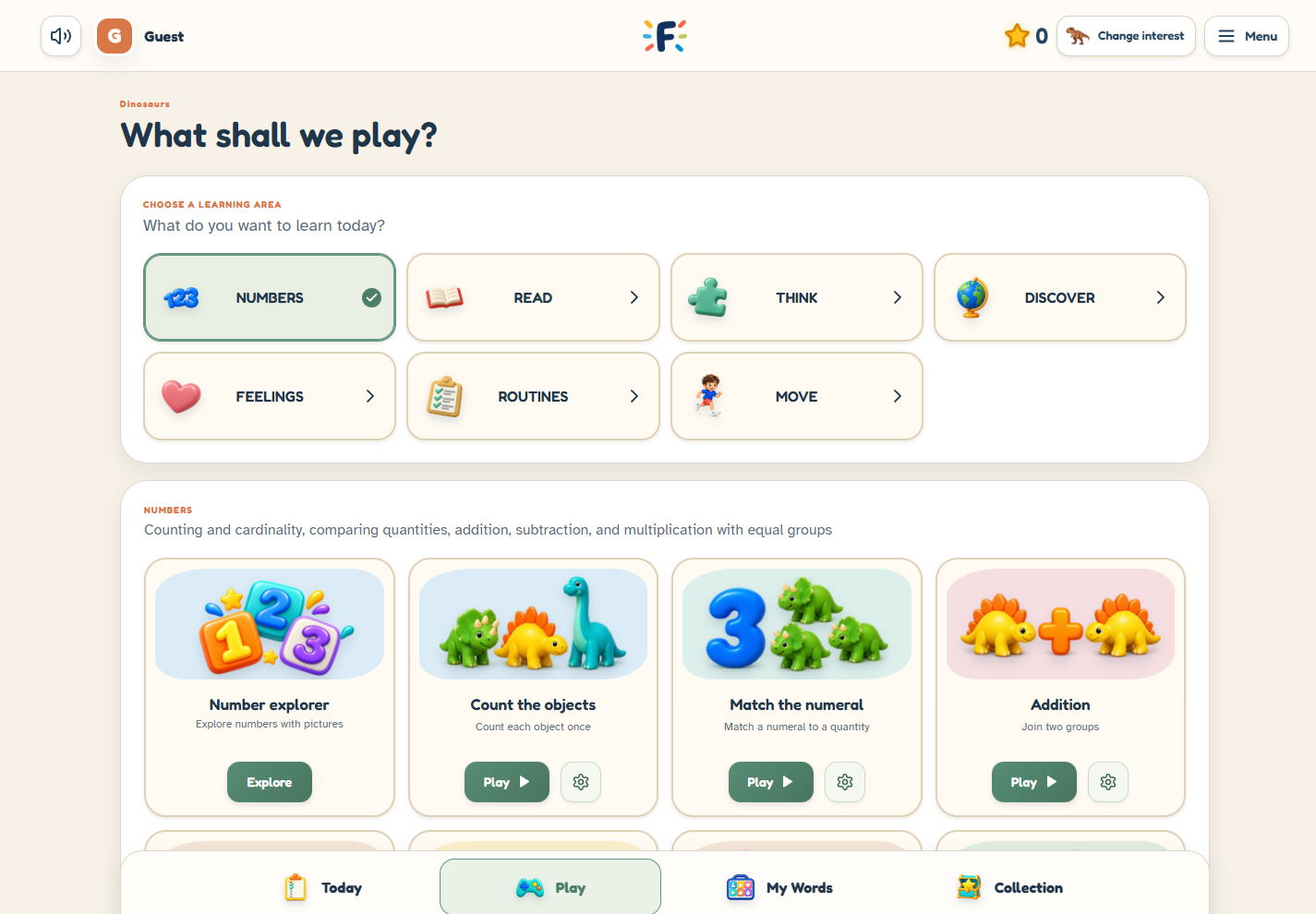
Guest play is a useful first look
You can explore Fave Bridge without creating an account. Guest play lets you look through the learning areas, try activities and see whether the style feels like a useful starting point
Guest progress lasts only for the current platform visit. Leaving or reloading clears it; a new visit starts with a fresh random daily plan. It does not update an existing family’s saved learning record, and you should not expect an exploratory guest session to become a saved account history
A family account gives practice a home
Create a parent account when you want a family space for saved learning and settings. The current account supports one child profile
Registration and permission for saved child play are distinct parts of setup. Follow the family setup email and read the notice before enabling saved play. You can still use guest exploration while getting familiar with the product
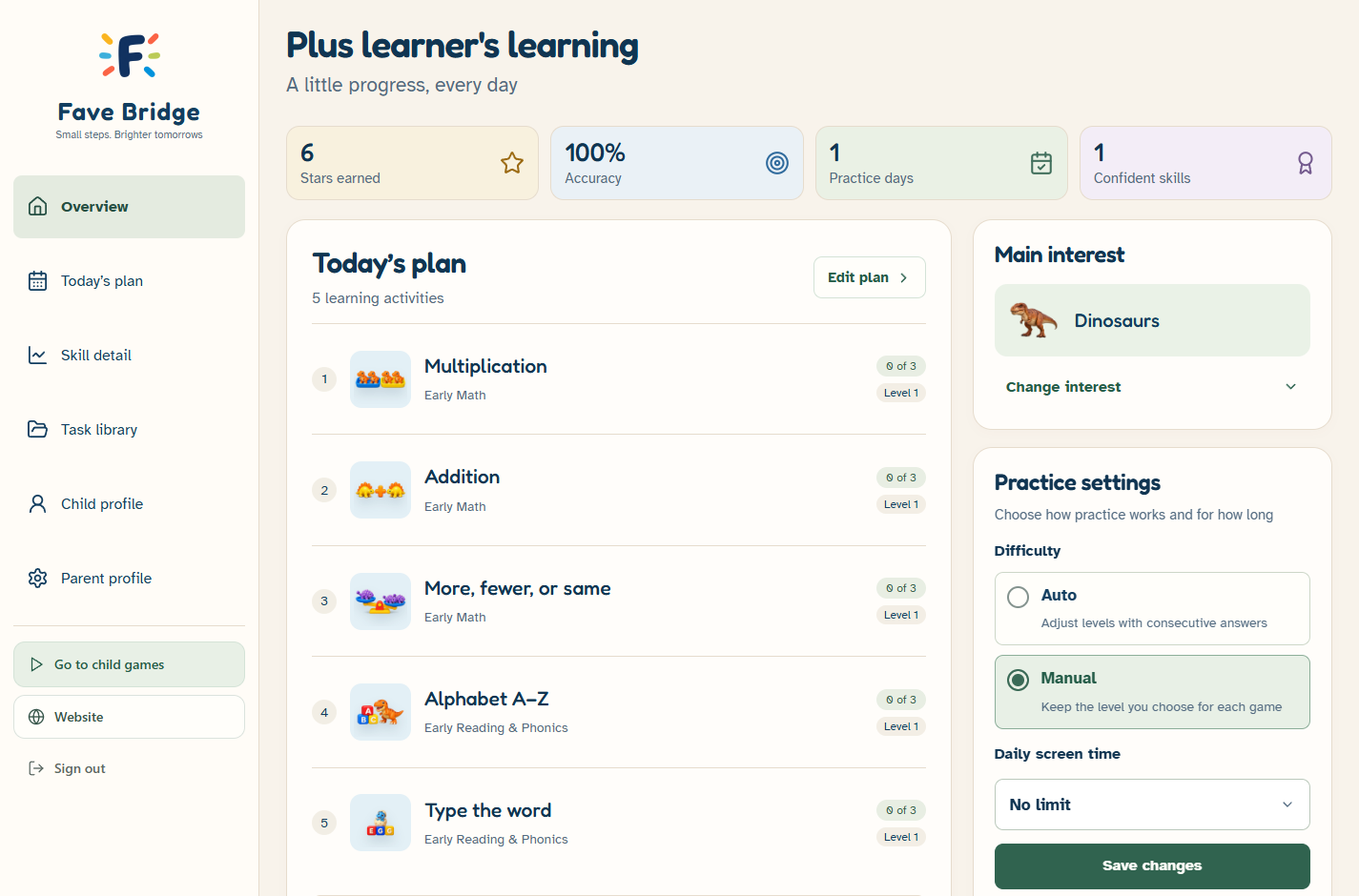
Parents and children have different entrances
Parent sign-in opens the account and parent tools. Child sign-in is a separate route into games using the child PIN after setup
The parent quick PIN has six digits; the child PIN has four. Keep those details private. If you need help with access, use the recovery options in the platform rather than sending a PIN by email
Saved progress does not require Plus
All learning games are included in Free, and a Free family account can use saved practice after permission is completed. Plus adds selected parent tools; it is not the requirement for saving every learning session
The main interest, custom daily plan and learning supports are part of the Free baseline. Detailed progress views, adaptive levels, the task library and time controls are among the Plus additions
Your privacy choices stay visible
Optional family game-usage sharing is separate from permission for saved learning and starts off. The parent privacy area includes data export and deletion controls
Read the current privacy notice in the platform for the details. If you only want to take a look today, guest play remains a straightforward first step
Choose the right entrance
- Just exploring: choose Play as guest
- Setting up saved learning: create a parent account
- Managing a family space: use Parent sign-in
- Returning to child play after setup: use Child sign-in
Sources & further reading
Published by Fave Bridge about its own product. External sources do not imply endorsement. Our editorial approach