Begin with something familiar
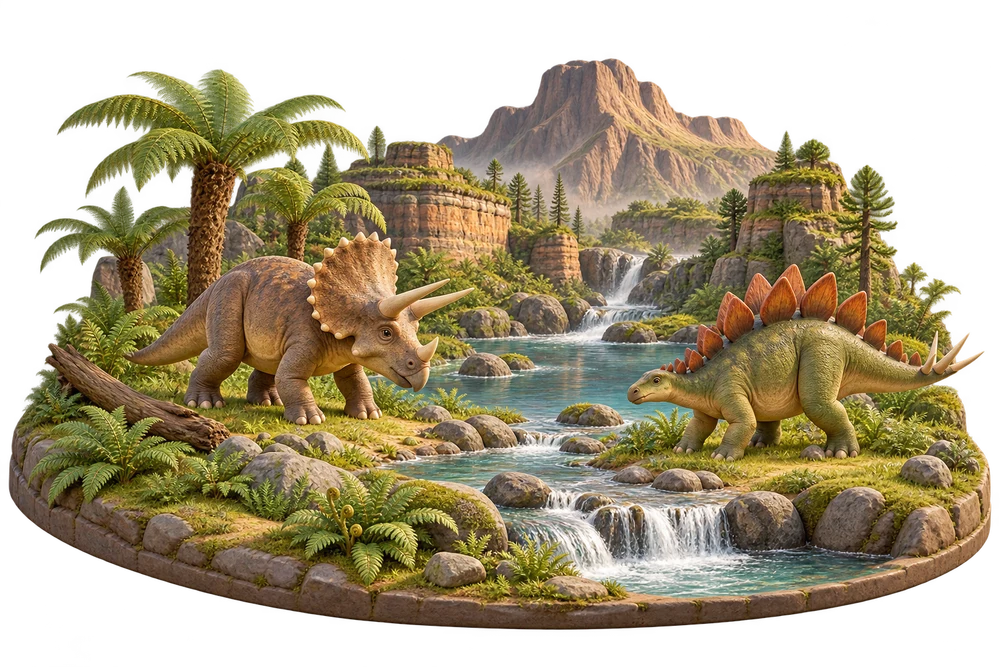
If dinosaurs already catch your child’s attention, they can be a familiar starting point for exploring the Numbers area. The theme changes the objects in supported activities; the counting task still has a clear purpose
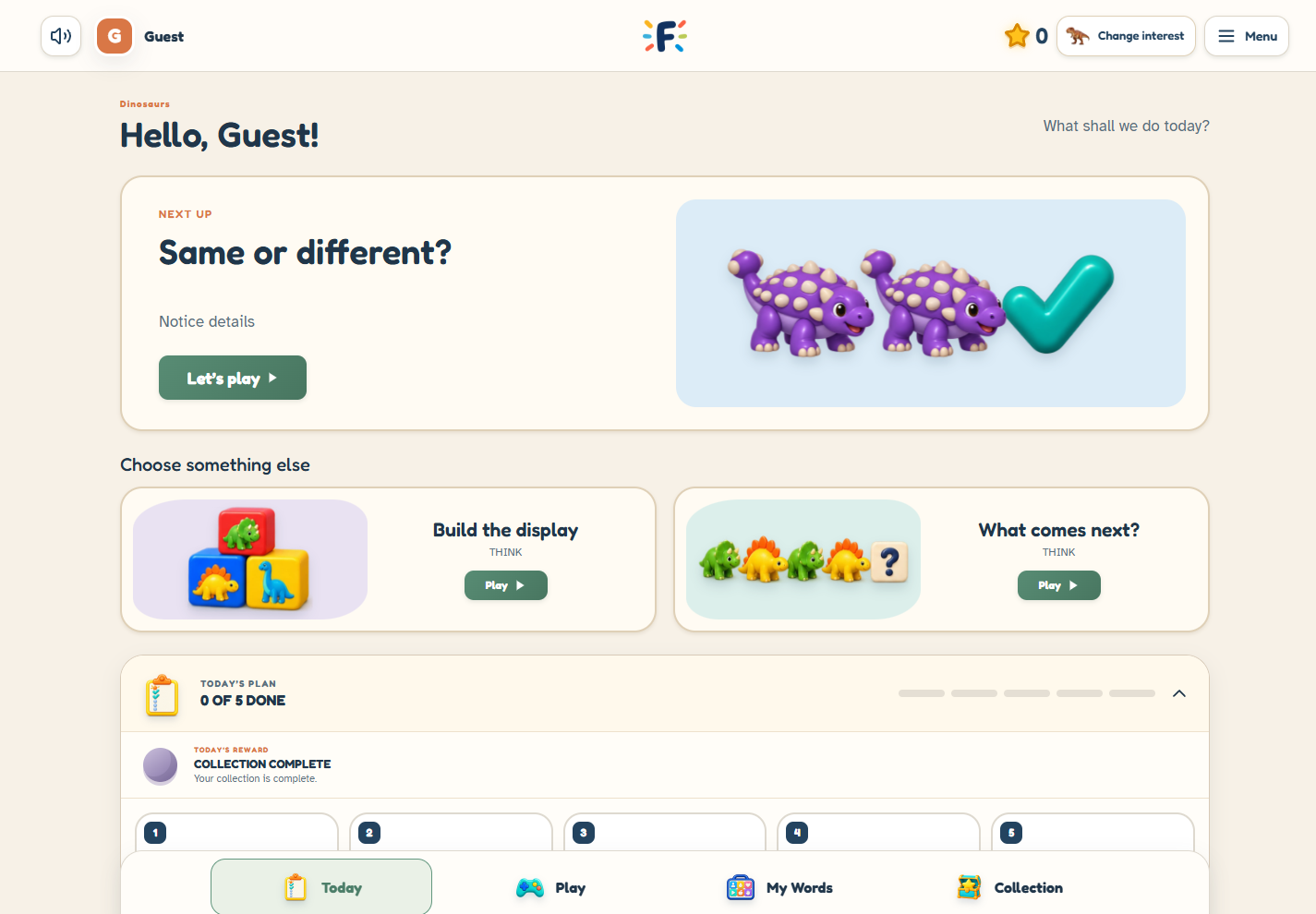
You do not need to begin with every activity or a full daily plan. Open guest play, choose the dinosaur interest and explore Numbers together. Guest practice is temporary, so this is a way to look around before setting up saved learning
Count each object once
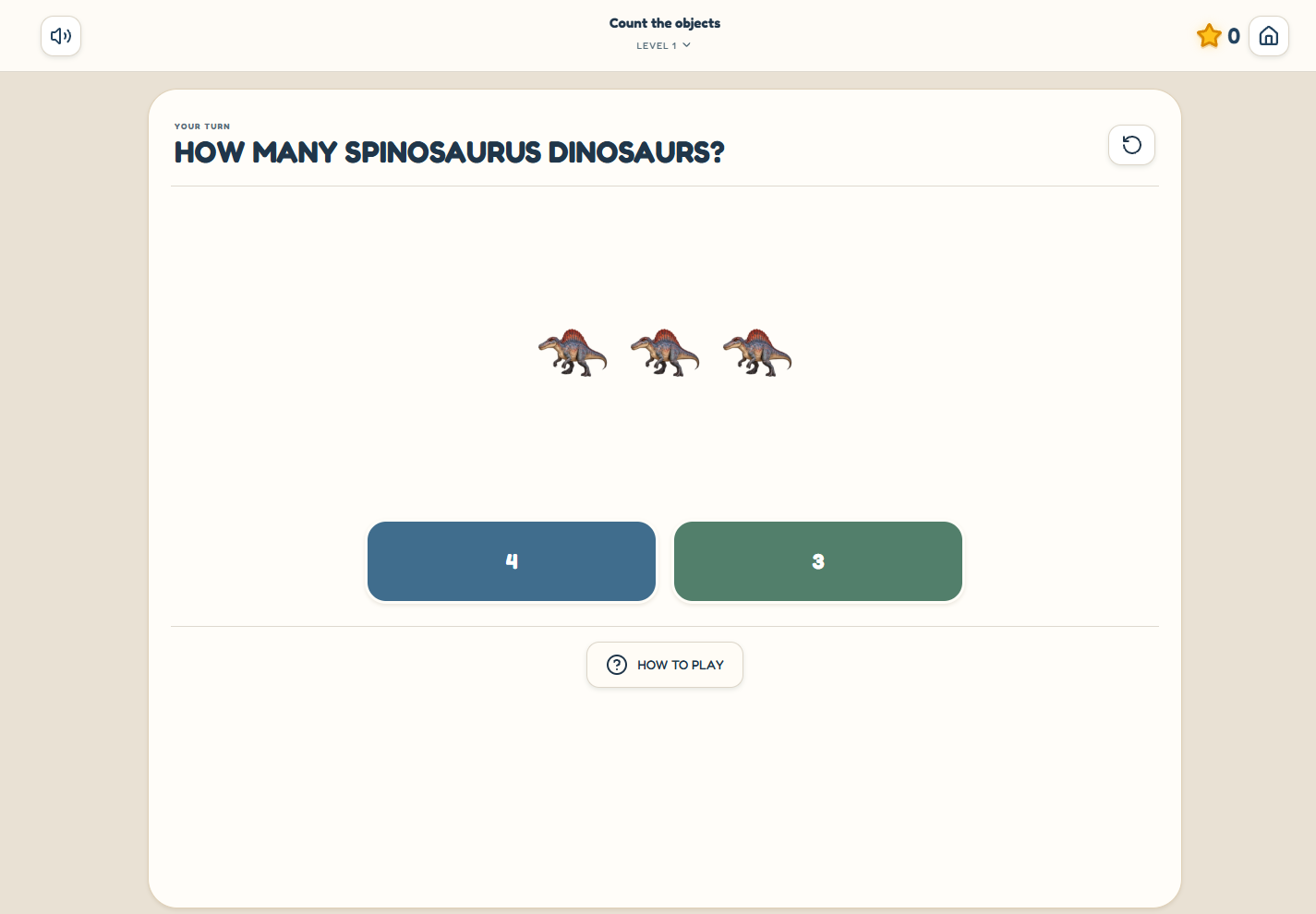
In Count the Objects, the child looks at the group, touches each object while counting, and chooses how many there are altogether. Follow the activity’s instruction and leave time to look before choosing
For a simple off-screen companion, put a few safe, age-appropriate toy dinosaurs on a table. Move each one to a different part of the table as you count. This makes it easier to keep track of which objects you have already counted. Return to the game if your child wants another example
Try a different number question
Counting a group and recognizing a written numeral are different tasks. Match the Numeral starts with the numeral and asks for the matching quantity. More, Fewer, or Same compares two groups
Rather than treating these as a required sequence, try one and notice what the task asks your child to do. If the choice feels too difficult, explore a simpler level or a smaller counting range through the available parent settings
Keep the theme promise clear
The dinosaur interest appears in supported Numbers, Read and Think activities, except Fix the Bridge. Other areas retain their own authored content. Choosing dinosaurs does not turn every part of Fave Bridge into a dinosaur game
With a family account, the main interest and saved practice belong to your family space. Plus adds themes by activity, so counting can use one favorite and another supported game can use a different one
A small next step
Choose one number activity to revisit next time. The useful question is what you would like to explore next—not whether you have completed every game
All learning games are available in Free. A family account is useful when you want saved practice; Plus is for selected additional parent tools
A first counting visit
- Open guest play and choose Dinosaurs
- Try Count the Objects at a level you want to explore
- Notice whether you want another counting example or a different number question
Sources & further reading
Published by Fave Bridge about its own product. External sources do not imply endorsement. Our editorial approach