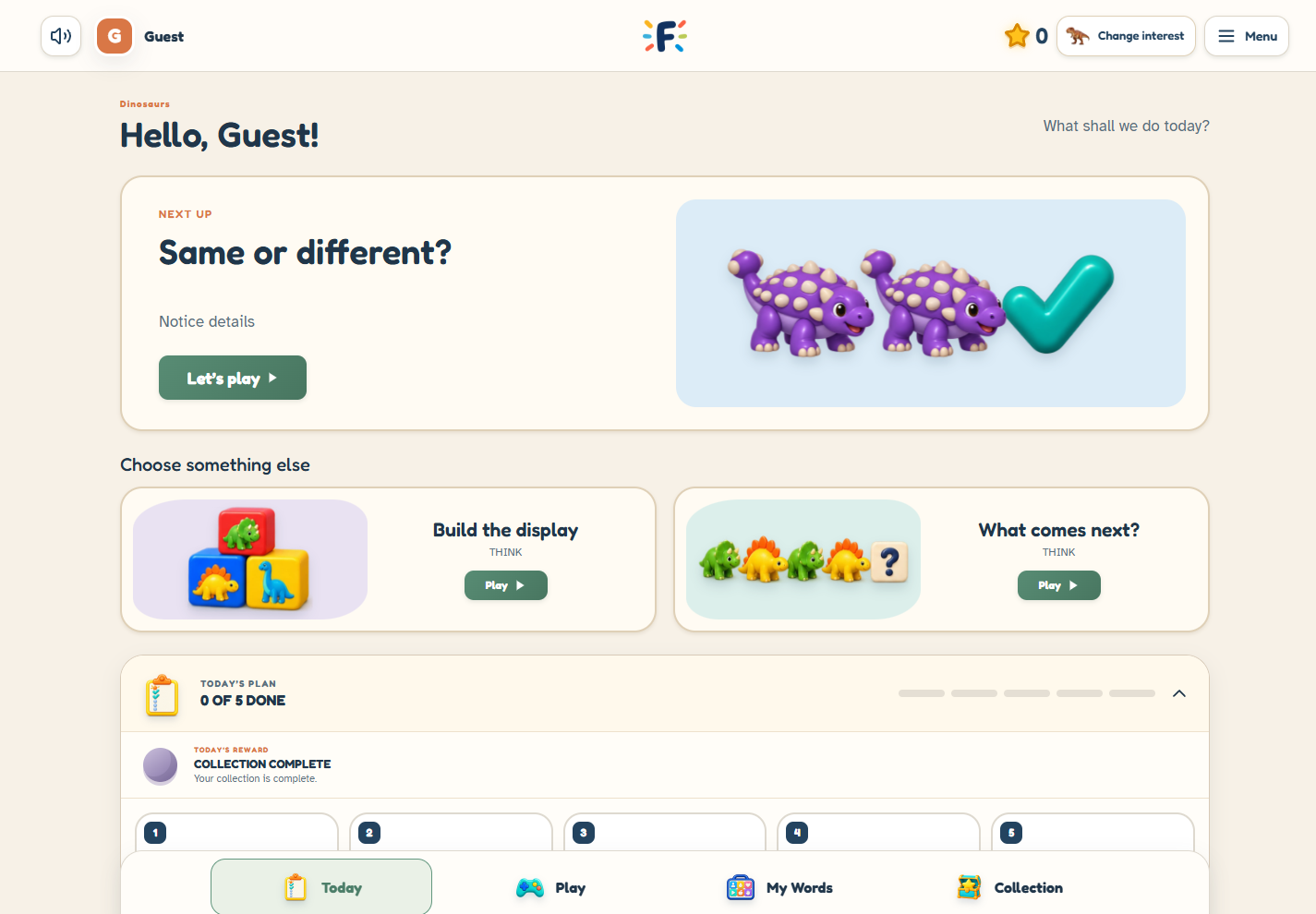
Start with their interests
Choose a main interest in Free. Plus lets supported games use different themes while the main interest stays the collection’s starting point
Plan their day with Free. Add Plus to preview tasks, fine-tune practice and see more of your child’s progress
See what Plus adds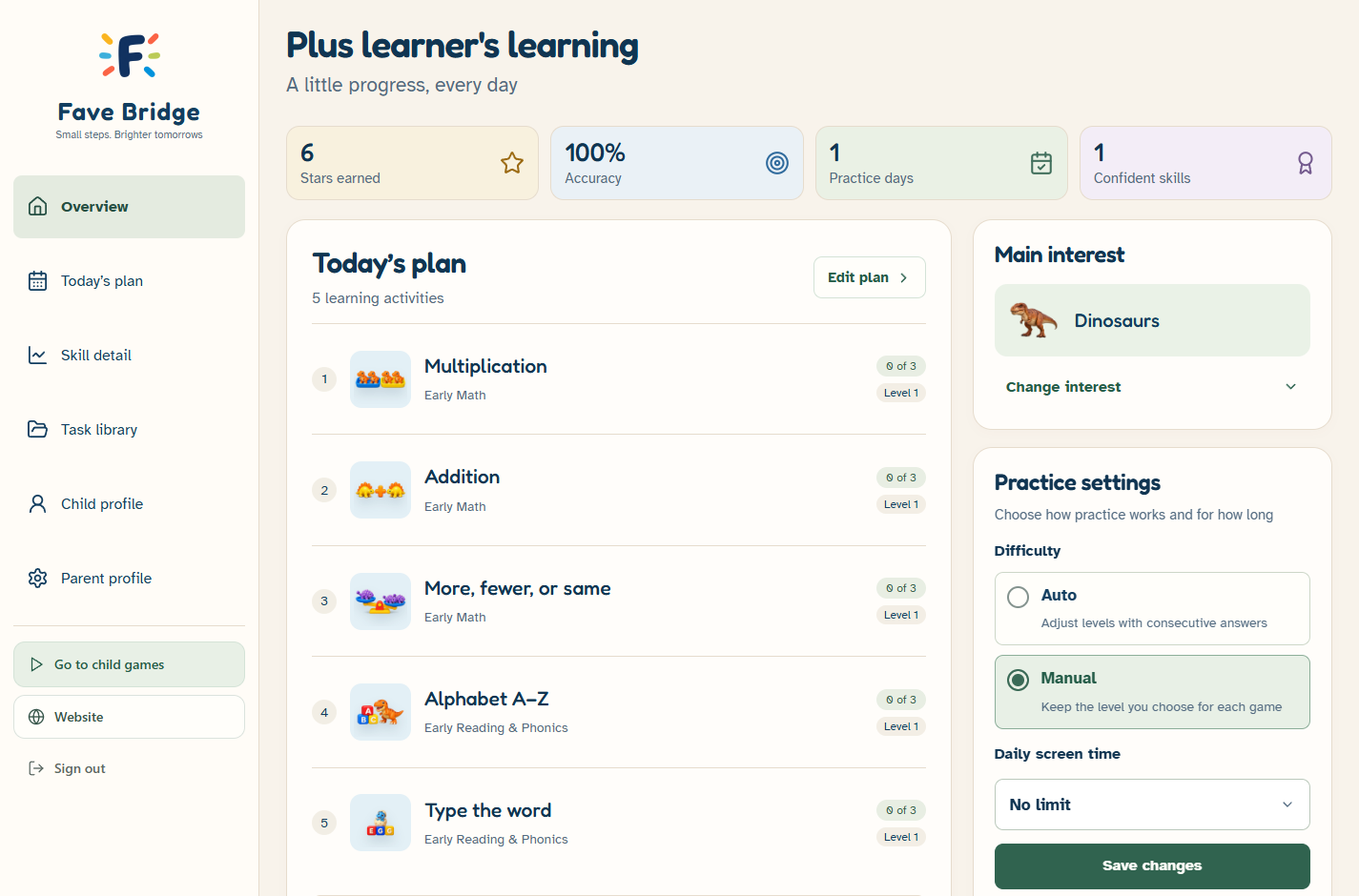
Start with your child’s interests, shape their practice, and use the recorded activity to choose what comes next
Choose a main interest in Free. Plus lets supported games use different themes while the main interest stays the collection’s starting point
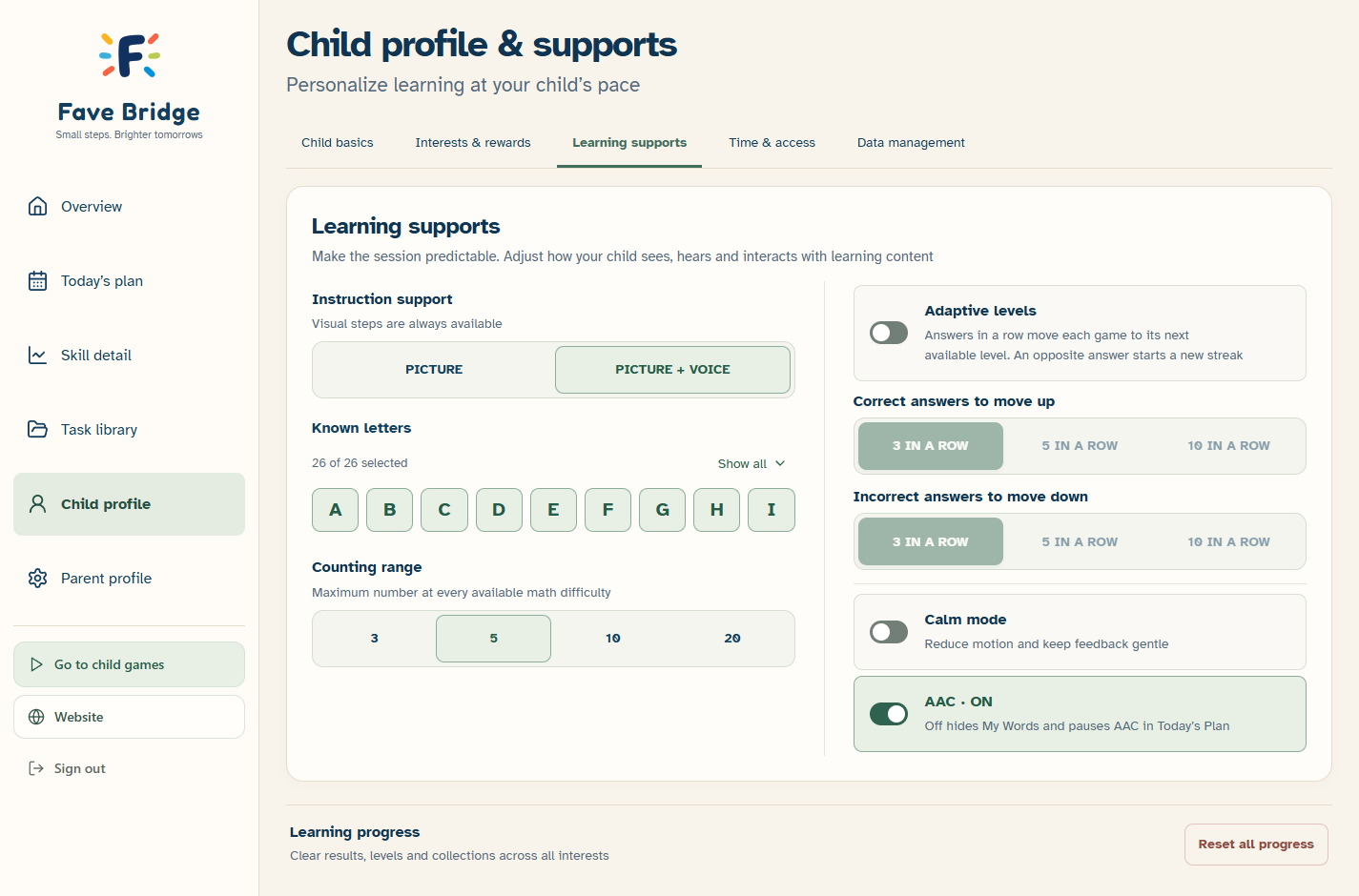
Choose a daily plan, known letters, counting range, picture instructions with optional voice, and Calm mode. Plus adds task previews, exclusions, activity switches, automatic levels and daily play limits
Free saves family practice after permission. Plus adds detailed skill and interest views to help you decide what to revisit. A parent preview never adds a child attempt
Calm mode removes moving decorations and automatic spoken praise, and lets your child choose when to move to the next question. Movement and handwriting demonstrations start step by step. Turn it on in Child profile → Learning supports and select Save profile
Instructions can still be read aloud. Your child can turn sound off with the speaker button
Open Parent profile → Parent guide for plain-language instructions, screenshots and links to the relevant settings. The guide is included in Free and Plus. It explains daily plans, skill progress, interests, learning supports, rewards and account tools
Account privacy controls include data export and deletion. Optional family game-usage sharing is a separate choice and starts off. Access to privacy controls is not a Plus feature
Explore each tool before choosing a plan
Your plan, recent practice and session controls in one parent space
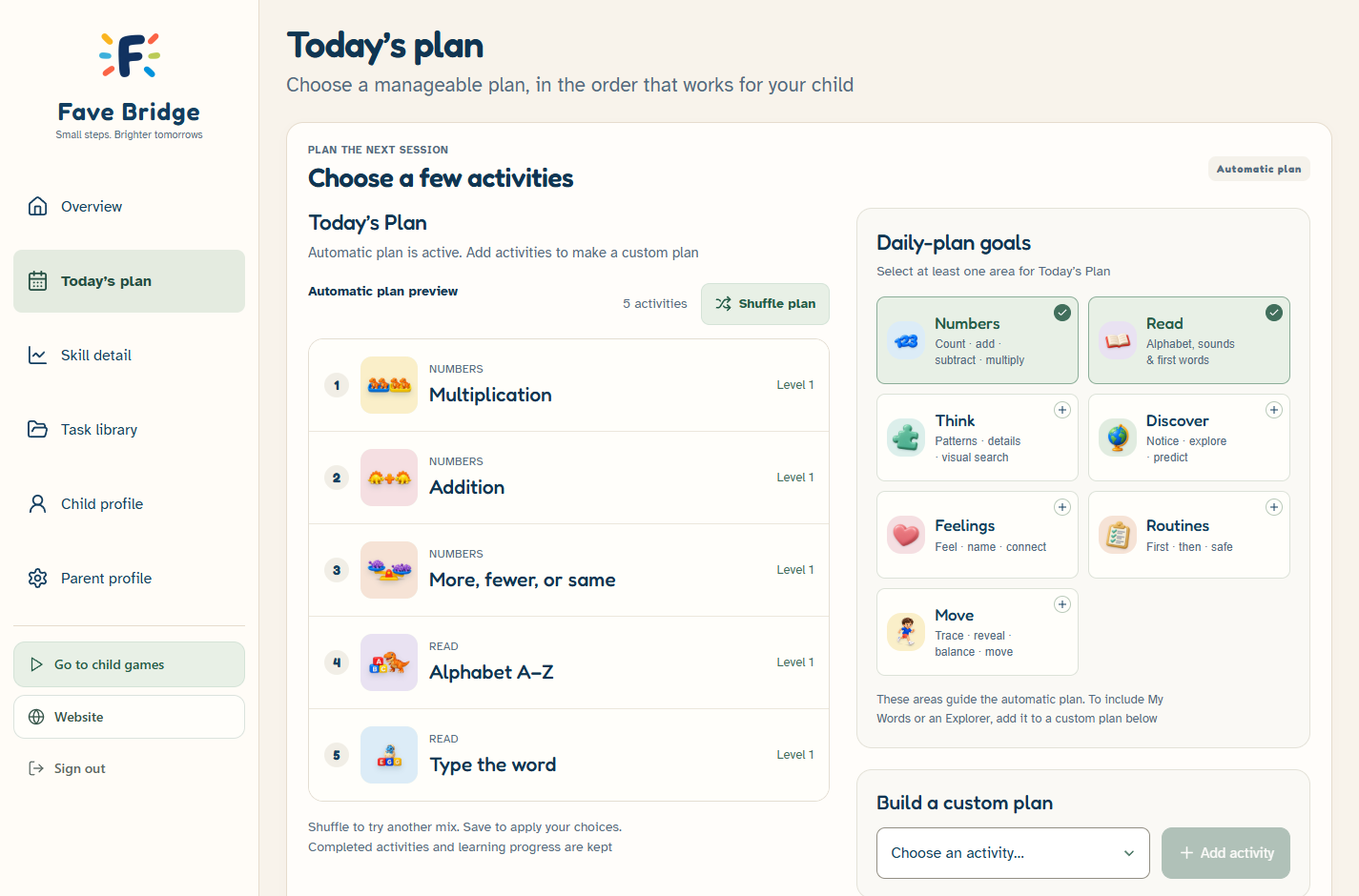
Choose learning areas for an automatic plan, or build your own list of up to five activities
Set picture and voice support, known letters, counting range and calm mode. Plus adds automatic difficulty
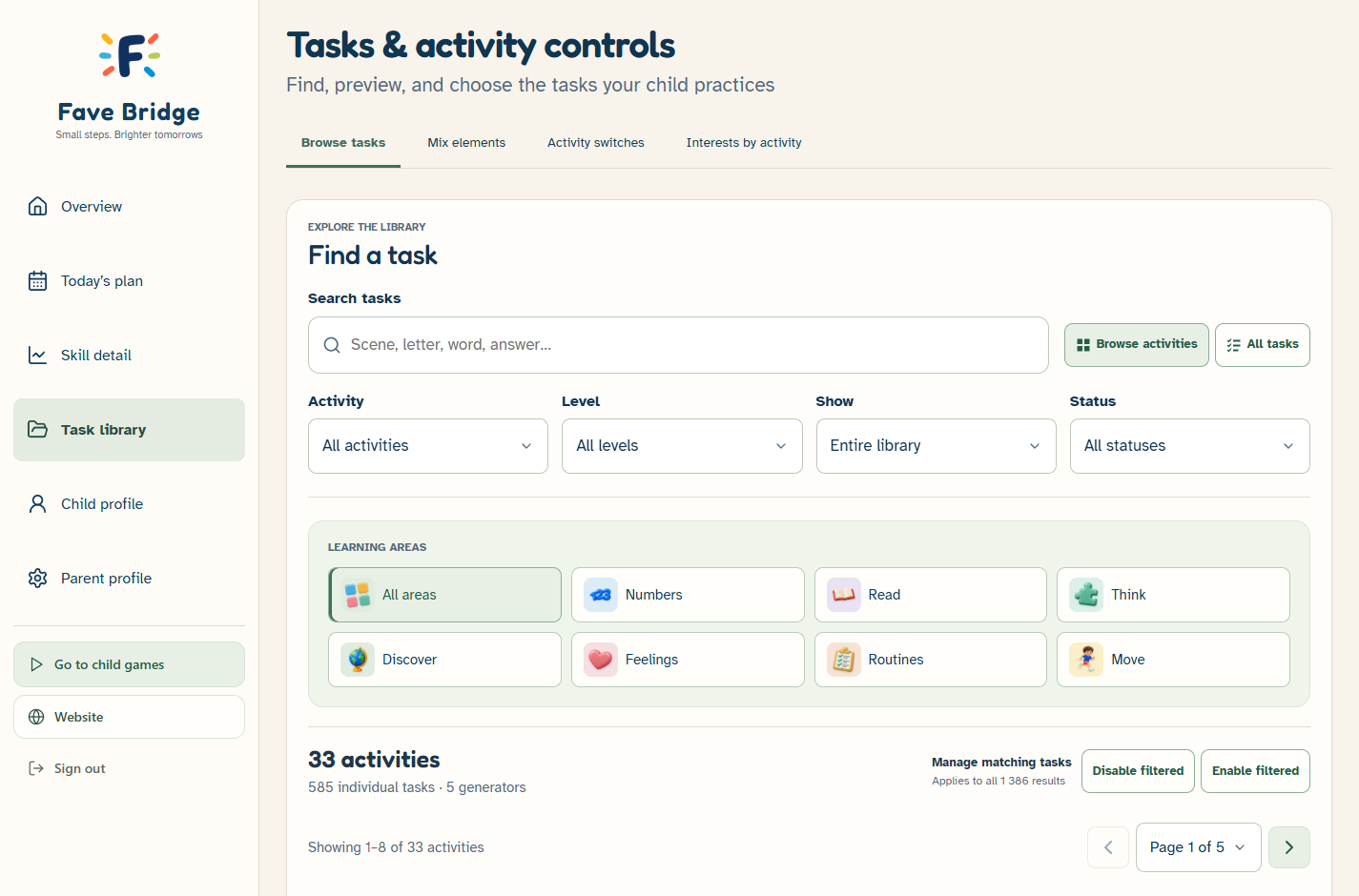
Search the library, filter by area or level, preview tasks, and choose which tasks are available
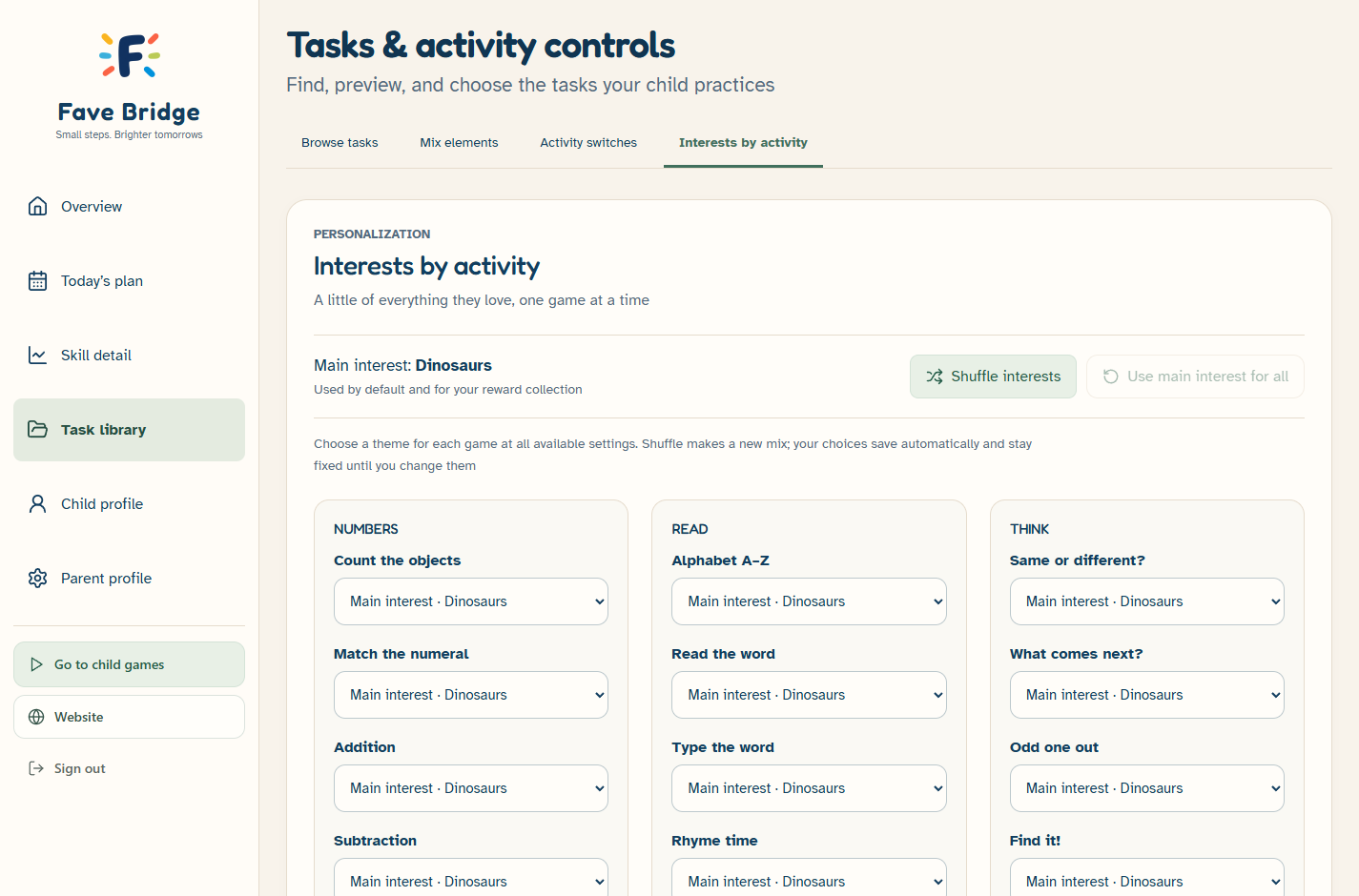
Keep one main interest or choose a separate theme for each supported activity
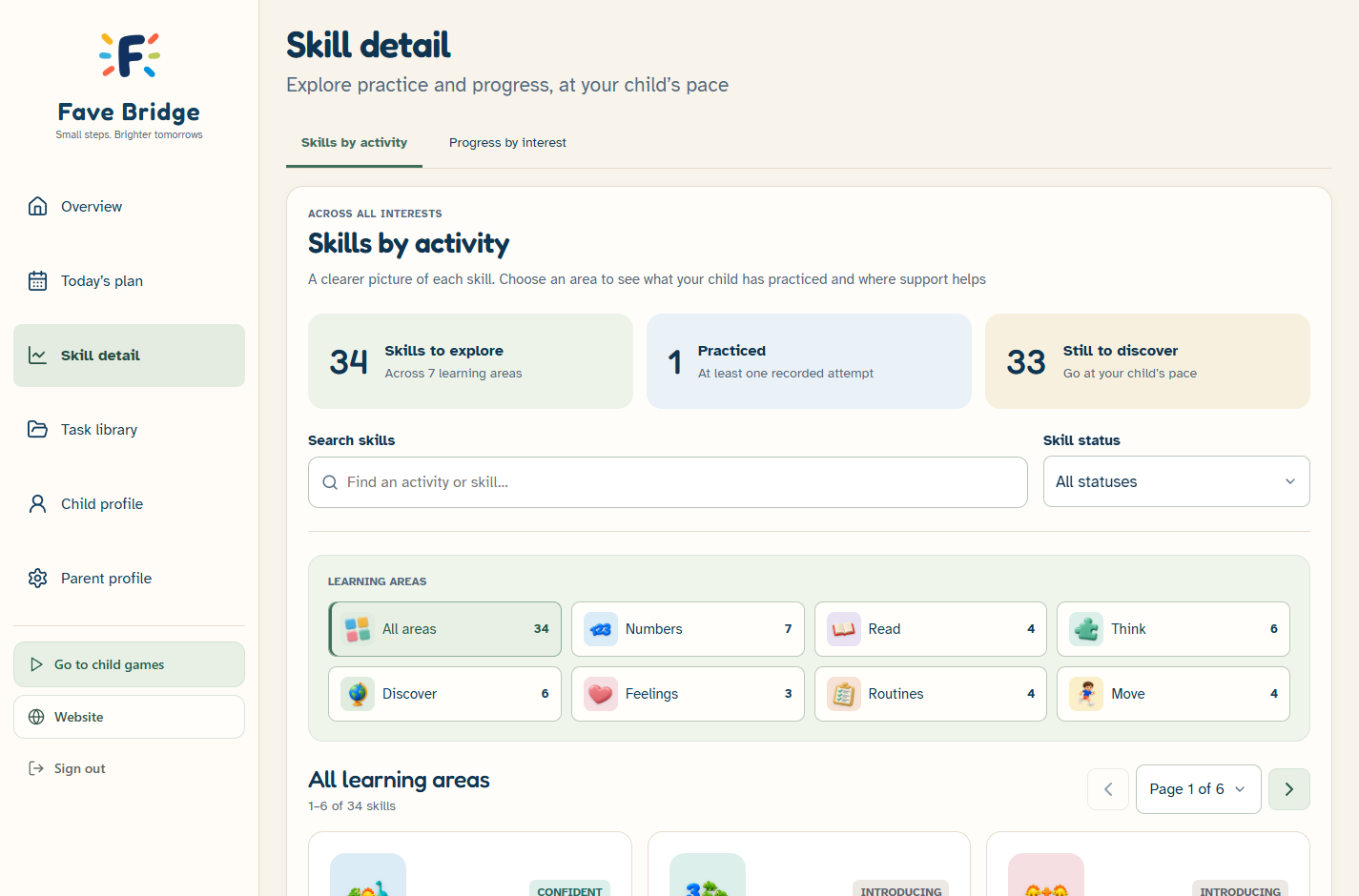
See activity coverage, levels tried and recorded support use. These are practice records, not an assessment
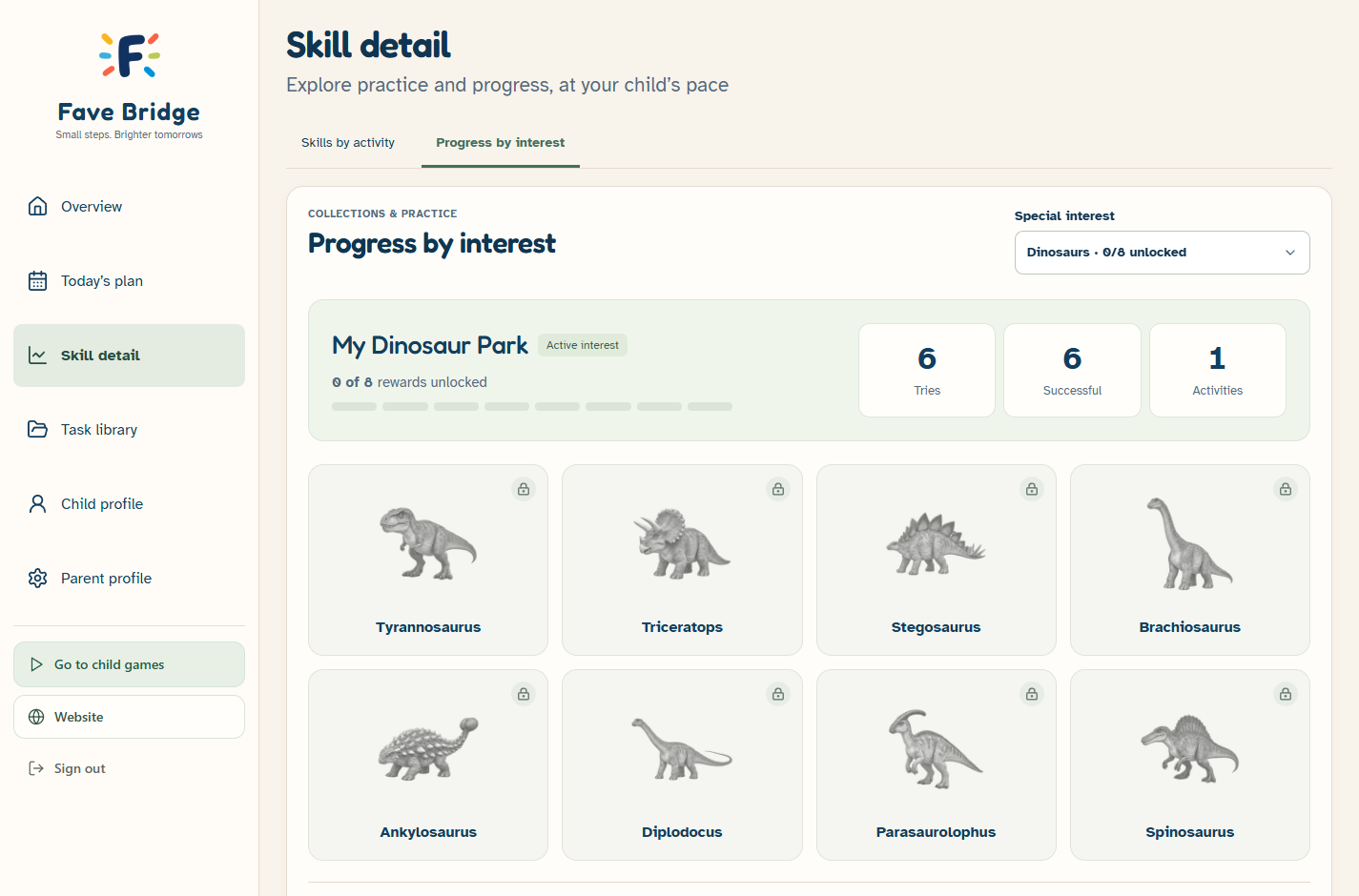
Review practice and collection progress by interest. Rewards connect to Today’s Plan
All learning games are available in Free. Plus adds deeper parent controls and more detailed practice views
Progress views describe platform practice, not a standardized assessment. Custom game development is quoted separately
All games are Free. Add Plus parent tools for $9.99/month or Annual for $79.99/year. Compare what is included
Take a closer lookHow Plus task previews, activity switches and exclusions give parents more control over practice
Take a closer lookA few familiar activities. One clear place to begin. Choose a rotating plan or build your own — both included in Free
Take a closer look