
Small clues. A world to discover
Explore animals, senses, countries, and space through visual questions you can talk about together

Mix Colors
A little paint. A new color. Start here, or choose another activity below
Choosing between activitiesFind the kind of practice you want
What clues can we find in a scene?
Animal Homes asks about an animal and a possible habitat. Five Senses shows a short action, then asks which sense the child used. Picture answers, replay and a Next button let children explore at their own pace. Start with the subject your child wants to talk about
Find something to try
Choose an activity to see how it works
Mix ColorsA little paint. A new colorHow to play
Look at the color to make. Choose two paints from your paint box, then tap Mix the colors. Try another pair or use a color hint
Animal HomesWhere might it live?How to play
Look at the animal. Think about what it needs. Choose a place where it might live
Five SensesWatch, explore and choose a senseHow to play
Watch the action. Look at the eyes, ears, nose, tongue or hands. Choose the sense used in this action. You can watch again
Planet OrderTravel outward from the SunHow to play
Look at the planets from left to right, starting closest to the Sun. Find the missing place and choose the planet that belongs there
Countries & FlagsExplore flags, maps, and capitalsHow to play
Look at the flag, country name, or highlighted part of the map. Listen to the question, then choose the matching country, flag, or capital below
Mix ElementsTwo elements. A new discoveryHow to play
Choose two elements from your drawer, mix them, and see what you discover. Use new elements in another combination
Explore The PlanetsTake a closer look at eight worldsHow to play
Choose one of eight planets. Turn and zoom its 3D model, listen to its introduction, and explore facts and details at your own pace
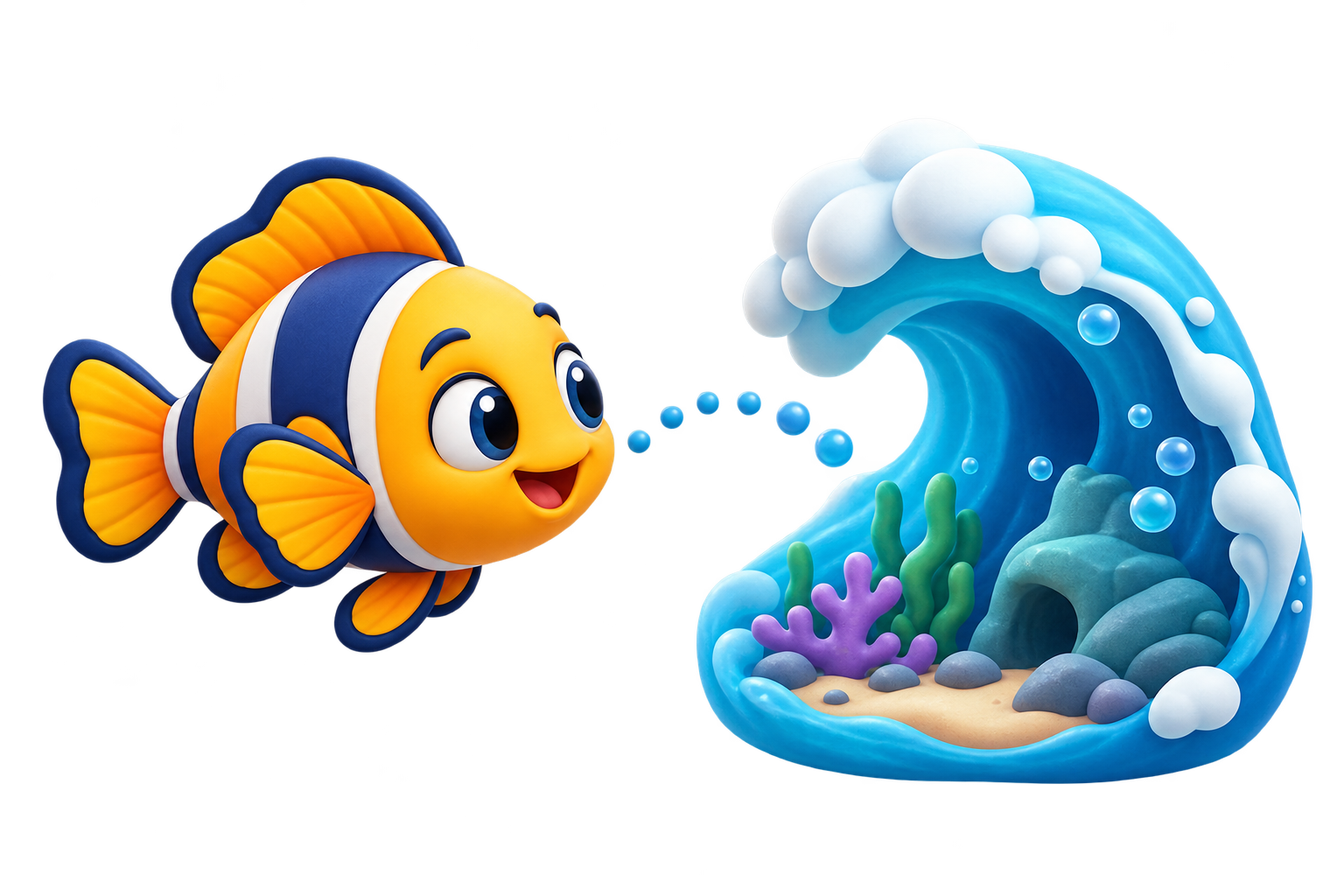
Animal Homes
Where might it live?
- 1
Look at the animal
- 2
Think about its needs
- 3
Choose where it might live
What to notice together
Ask which detail caught their attention: a color, an animal, a planet, or a flag. The answer choice is one part of the activity; the scene can also give you something concrete to discuss together
A different next step
Countries & Flags and Planet Order introduce different kinds of visual knowledge. The Space interest changes supported themed games; Planet Order is a separate ordering activity. Explore the Planets offers eight 3D models and facts, while Mix Elements invites children to combine elements and save discoveries in their account
Their pace.
Your guidance
Choose a game level, picture instructions with optional voice, Calm mode and a daily plan. All games are included in Free
Explore parent controls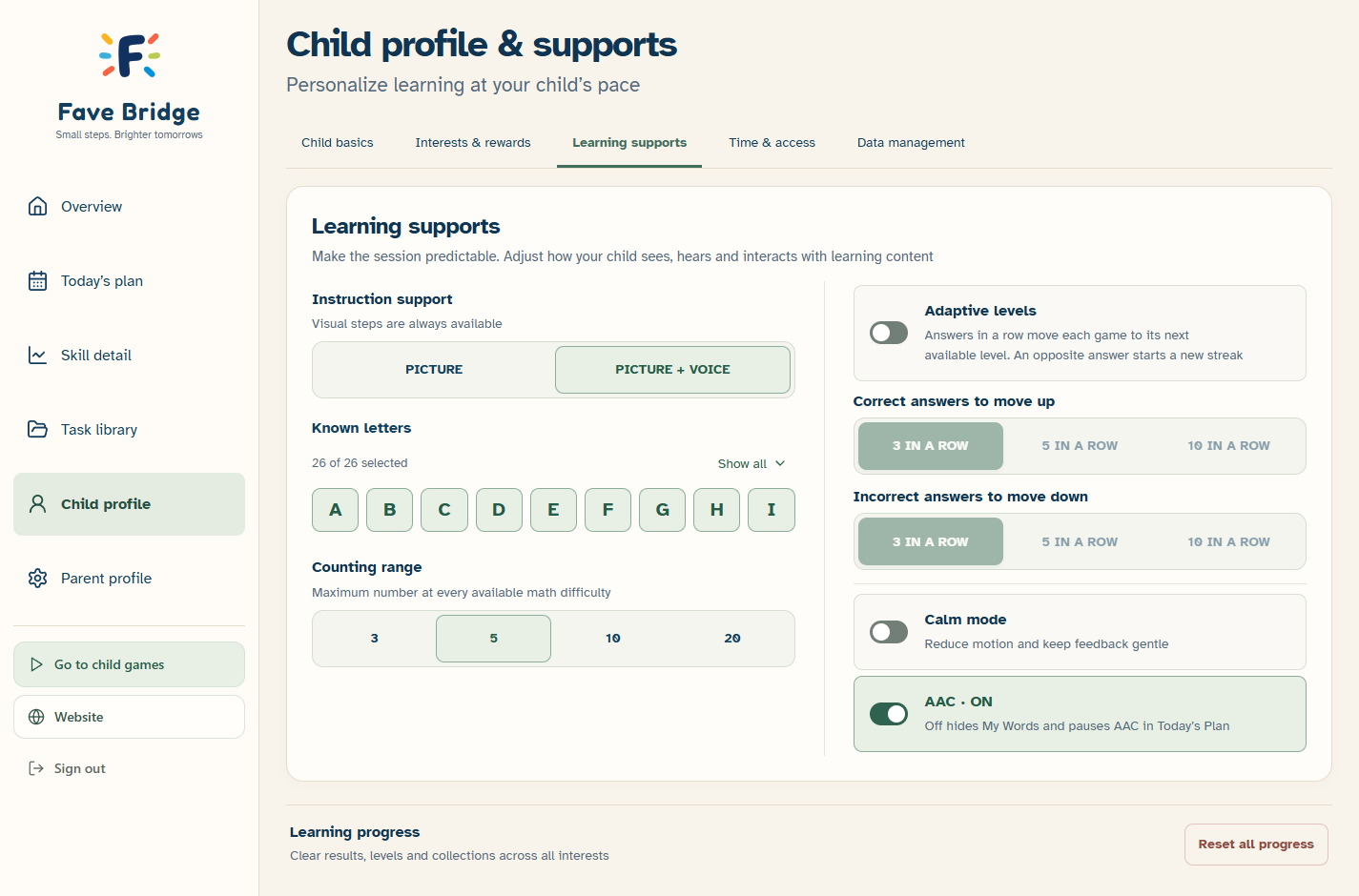
Helpful details, when you need them
A closer look at one activity
Explore the Planets lets a child turn eight 3D worlds and hear about them. Mix Elements starts with four elements and leads to twenty new discoveries. Mix Colors explores paint combinations, light shades, and new colors. Five Senses uses short visual actions and picture answers, with replay and time to explore the result. Planet Order offers a separate ordering challenge
Make practice fit your family
This area uses its authored science illustrations rather than replacing everything with the selected interest. Explore a question together and follow up on what catches your child’s attention
All games are available in Free. Available levels vary by activity, with up to five starting points; Plus adds automatic difficulty adjustments and more detailed parent tools