
Trace, move, and explore
Follow a path, try a letter, uncover a picture, or take a movement break. Choose a comfortable way to join in
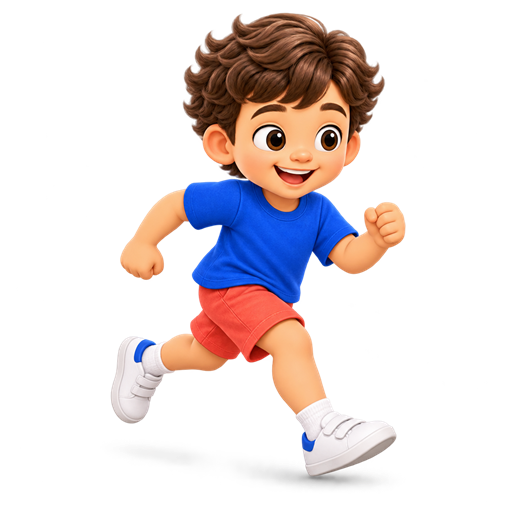
Follow The Path
Pre-writing finger trail. Start here, or choose another activity below
Choosing between activitiesFind the kind of practice you want
Trace a path, reveal a picture, or take a movement break?
Follow the Path and Write the Letter introduce tracing. Reveal & Clean uncovers a picture. Movement Break offers guided movements. The area includes different interaction styles, so choose the activity before deciding how to take part
Find something to try
Choose an activity to see how it works
Follow The PathPre-writing finger trailHow to play
Start at the big dot. Touch each dot in order. Finish at the star
Write The LetterHandwritten letters, one at a timeHow to play
Write one handwritten letter. Start at the green dot and follow the arrow along the line. You can lift your finger and continue from where you stopped. When a new green dot appears, start there. Tap the dot to finish i or j. Show me demonstrates the current stroke. There is no hurry
Reveal & CleanWipe and uncover a pictureHow to play
Move your finger or mouse across the misty window to uncover the picture. There is no timer. Use tap mode if you prefer to clear one patch at a time
Movement BreakWatch the movement, then tryHow to play
Make some space with an adult nearby. Tap Show me to watch the character move. You can pause, slow down, watch again, or use Step by step. Try the movement in a way that feels comfortable. You can sit, move less, or stop. Tap I tried it for the next movement, or All done to finish
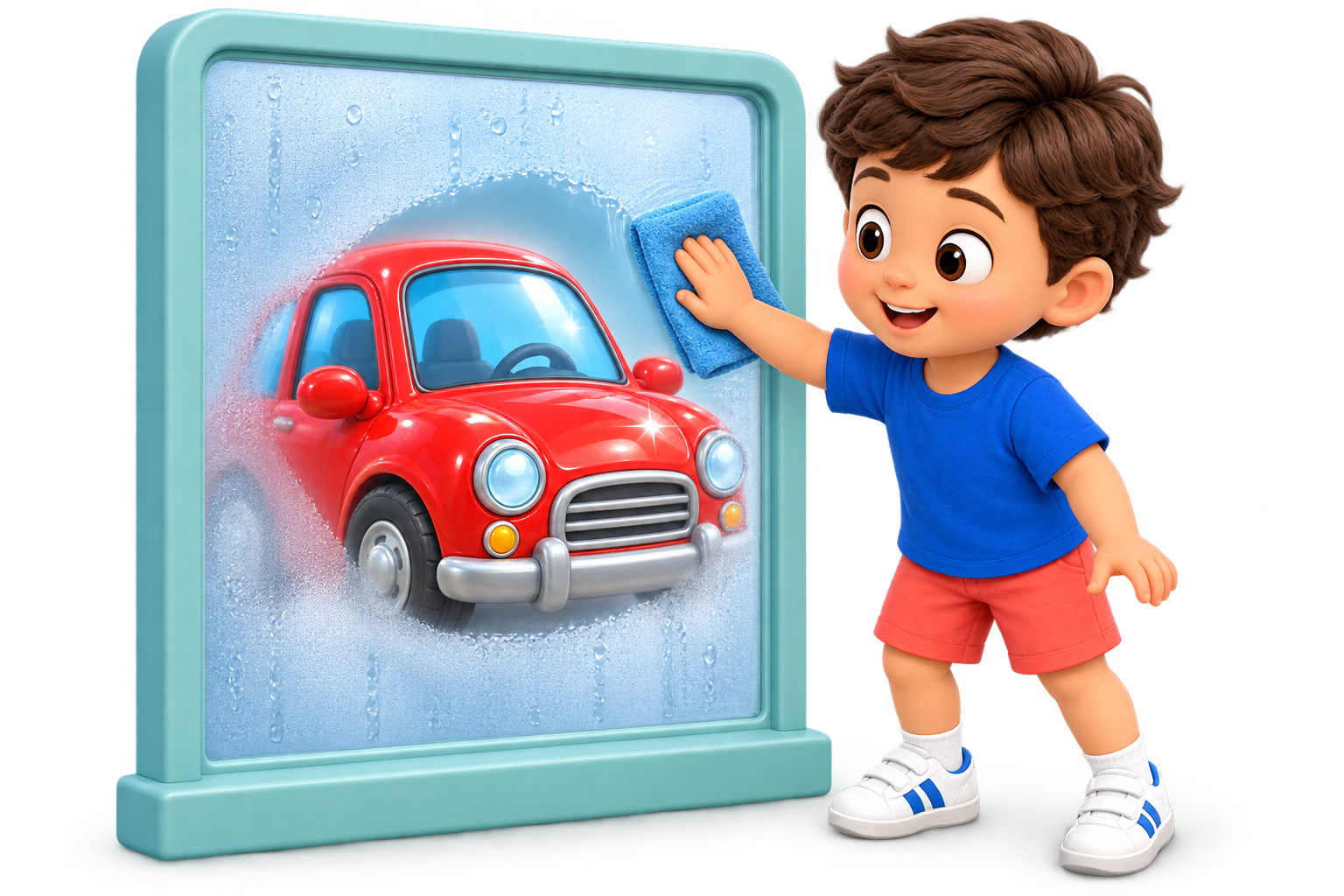
Reveal & Clean
Wipe and uncover a picture
- 1
Touch the misty window
- 2
Wipe to uncover the picture
- 3
Clear the mist at your own pace
What to notice together
Reveal & Clean has a tap alternative and no timer. Movement Break offers pause and step-by-step options. Explore the available controls and choose a comfortable way to participate with an adult nearby
A different next step
A movement break can sit between two other activities in a plan. Make space around the child and leave room to pause, move less, sit or stop. Completing a task is not a measure of physical development
Their pace.
Your guidance
Choose a game level, picture instructions with optional voice, Calm mode and a daily plan. All games are included in Free
Explore parent controls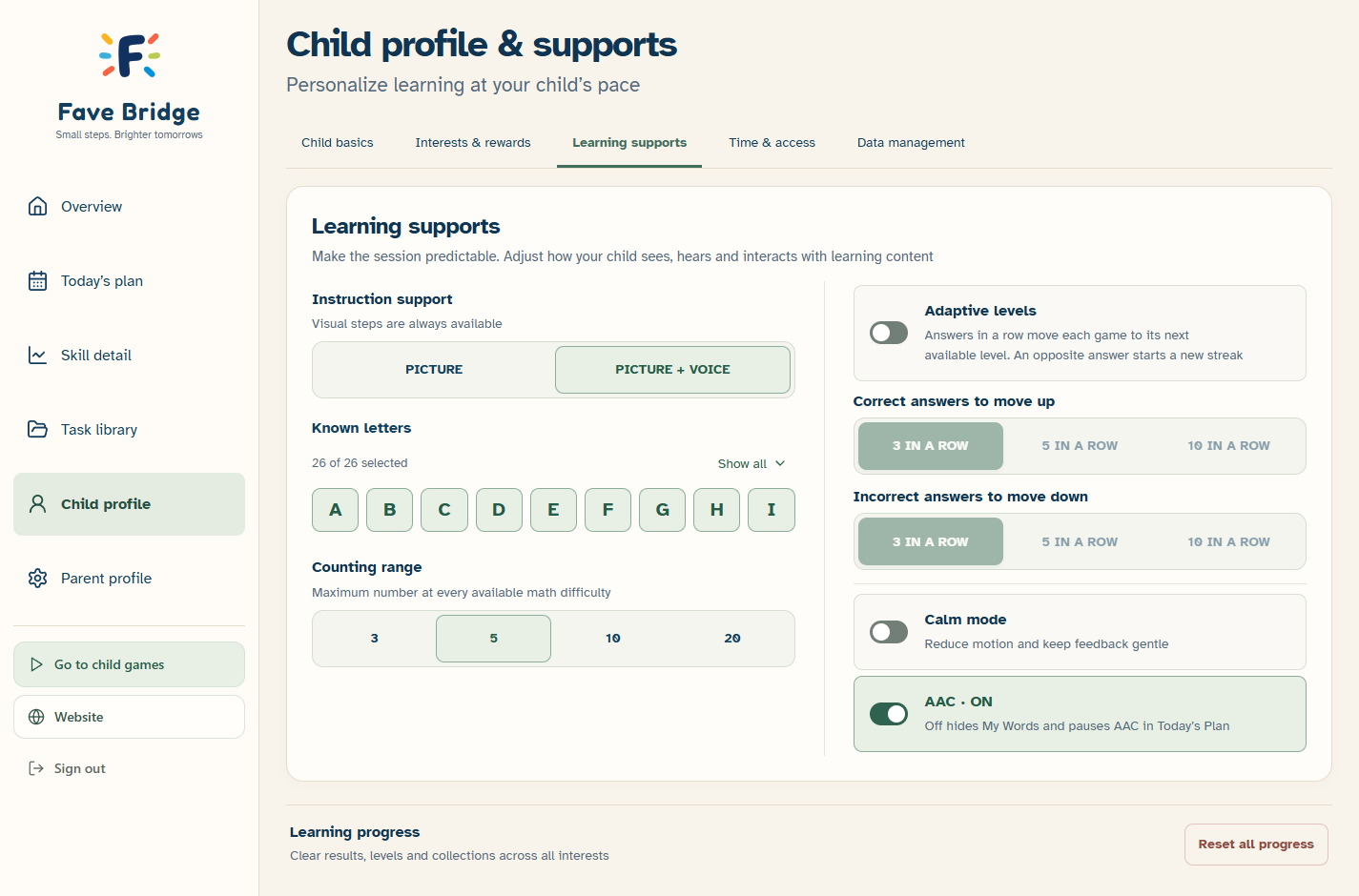
Helpful details, when you need them
A closer look at one activity
Reveal & Clean lets a child uncover a picture by wiping a misty window. Tap mode offers another way to clear patches, and there is no timer in that activity
Make practice fit your family
Movement Break has demonstrations, pause and step-by-step options. Make space with an adult nearby and choose comfortable movements; sitting, moving less or stopping are valid choices
All games are available in Free. Available levels vary by activity, with up to five starting points; Plus adds automatic difficulty adjustments and more detailed parent tools